
< RESOURCES / >
A CTO's Guide to Choosing the Best Python Editor in 2024

Selecting the right development environment is a strategic decision that directly impacts engineering velocity, code quality, and your company's bottom line. A suboptimal toolchain introduces friction, slows down onboarding, and increases the risk of defects. In contrast, the best python editor for your team's specific context acts as a force multiplier, creating a streamlined workflow that reduces cognitive load and automates repetitive tasks.
This guide provides a pragmatic, business-focused analysis of 12 leading Python editors. We will assess each tool's impact on key business outcomes: reducing development costs by improving efficiency, accelerating time-to-market with powerful debugging capabilities, and mitigating risk through integrated testing features. To make an informed decision, it's crucial to understand the functional differences between an IDE vs Code Editor, as this choice influences everything from individual productivity to project scalability.
Each review is structured for quick evaluation, complete with screenshots and direct links, to help you make a decision that aligns with your technical requirements and strategic goals. Whether your team is building complex financial platforms or scalable web services, this breakdown provides the necessary insights to select a tool that will empower your engineers and drive business success. We will examine full-featured Integrated Development Environments (IDEs) like PyCharm and cloud-based solutions such as GitHub Codespaces alongside lightweight, extensible text editors like Visual Studio Code.
1. JetBrains PyCharm
JetBrains PyCharm is a full-featured Integrated Development Environment (IDE) specifically engineered for professional Python development. It’s widely regarded as a leading Python editor for enterprise environments where robust, out-of-the-box tooling is a critical requirement. PyCharm provides deep code intelligence, from smart autocompletion and on-the-fly error checking to advanced refactoring capabilities that significantly reduce technical debt and improve code maintainability.
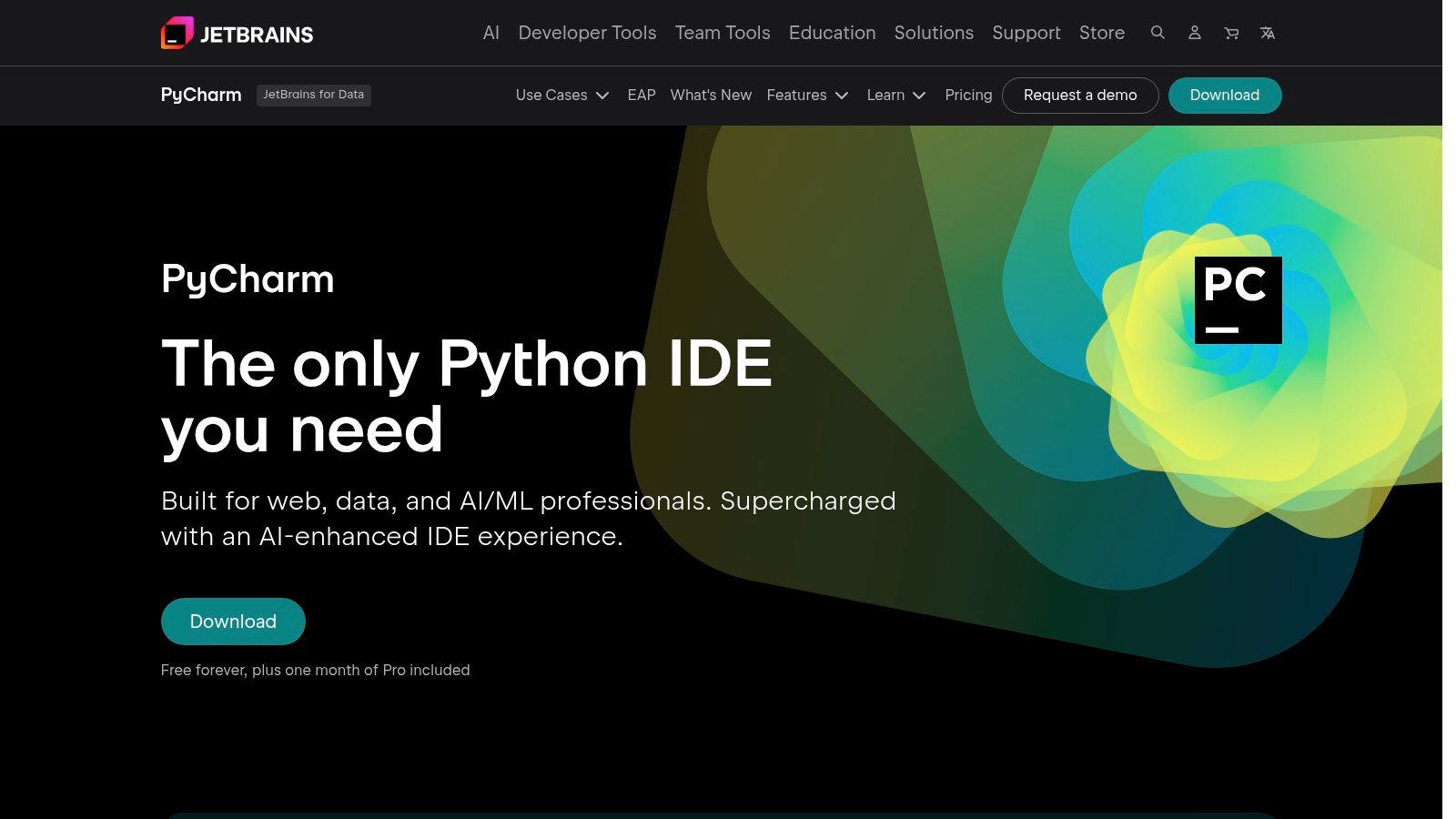
Its strength lies in its integrated ecosystem. The Professional edition offers first-class support for web frameworks like Django and Flask, alongside powerful database tools that allow developers to manage schemas and run queries directly within the IDE. This consolidation accelerates development cycles by minimizing context switching. For an even more detailed analysis, you can explore our comprehensive guide on choosing the best IDE for Python.
Key Features & Use Cases
- Platform: Windows, macOS, Linux
- Best For: Enterprise applications, web development (Django, Flask), data science, and complex project management.
- Pricing: Free Community edition; Professional edition is subscription-based.
Business Impact:
- Accelerated Time-to-Market: The powerful debugger, profiler, and test runner are built for mission-critical applications, reducing bug-fix cycles.
- Reduced Development Cost: Integrated support for databases, remote development (SSH, Docker), and web frameworks streamlines the entire development process, increasing efficiency.
- Improved Code Quality: Industry-leading code analysis and refactoring tools help maintain a high-quality, low-debt codebase.
Considerations:
- Resource Intensive: It has a significantly heavier memory and CPU footprint compared to lightweight text editors.
- Cost: Advanced web development and database features require the paid Professional subscription.
Website: https://www.jetbrains.com/pycharm
2. Visual Studio Code
Visual Studio Code (VS Code) is a fast, free, and highly extensible code editor. It offers the responsiveness of a lightweight text editor while providing IDE-like capabilities through its vast extension marketplace. For Python development, the official Microsoft Python extension transforms VS Code into a first-class editing environment, delivering intelligent code completion, linting, debugging, and robust environment management. This makes it an excellent choice for teams needing a versatile tool that excels in modern development workflows.
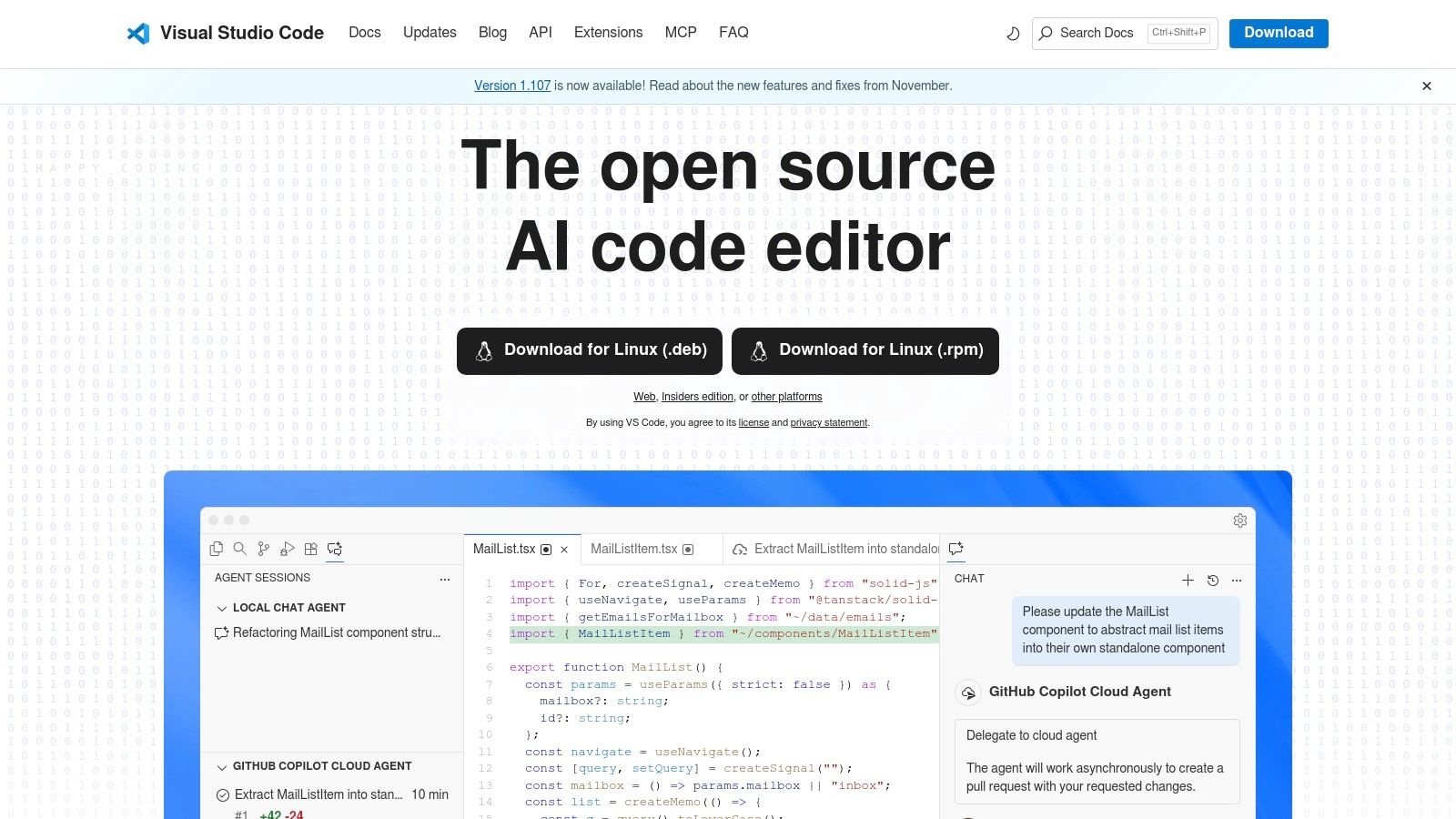
Its core strength is adaptability. Whether you are building a web application, analysing data with Jupyter Notebooks, or writing automation scripts, VS Code can be tailored to the task. The integrated terminal, Git source control, and seamless support for remote development (SSH, Docker, WSL) reduce context switching and streamline workflows. For users looking to leverage generative AI, you can follow this Practical VS Code Guide for coding with AI to integrate powerful assistants directly into your editor.
Key Features & Use Cases
- Platform: Windows, macOS, Linux, Web (vscode.dev)
- Best For: Polyglot development, web applications, data science, cloud-native development, and scripting.
- Pricing: Completely free and open-source.
Business Impact:
- Increased Productivity: A massive marketplace of high-quality extensions allows for deep customization of any workflow, reducing friction.
- Lower TCO: Being free and performant, it runs well on varied hardware without licensing costs.
- Streamlined DevOps: First-class support for Git, remote development, and containers is built-in, improving integration with CI/CD pipelines.
Considerations:
- Requires Configuration: It is not a full-fledged IDE out of the box; achieving an IDE-like experience requires installing and configuring extensions.
- Extension Security Risk: The open nature of the marketplace means teams must be diligent about vetting third-party extensions for potential security risks.
Website: https://code.visualstudio.com
3. Sublime Text
Sublime Text is a commercial, performance-focused code editor celebrated for its speed, lightweight footprint, and powerful editing capabilities. It’s a solid choice for developers who prioritize responsiveness and a minimalist interface but still require the flexibility to build a robust development environment. Unlike a full IDE, Sublime Text provides a clean slate that can be meticulously customized with community-built packages, making it a highly efficient Python editor for scripting and project work once configured.
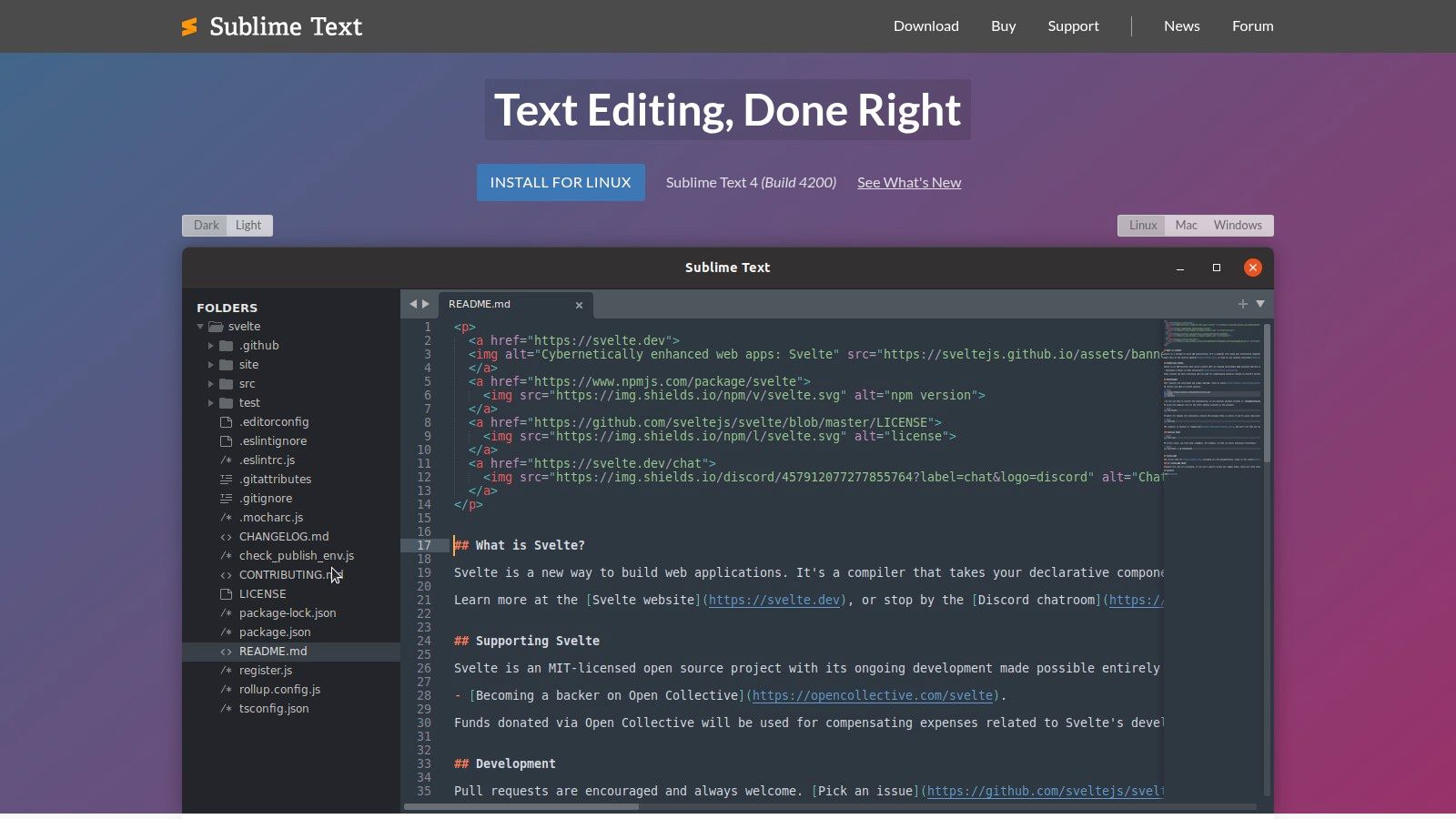
Its core strengths are its "Goto Anything" feature for rapid file navigation, multi-cursor editing, and an advanced search-and-replace function that accelerates refactoring tasks. By leveraging the Package Control manager, developers can integrate essential Python tooling. Packages like LSP provide code intelligence, while others integrate linters like Ruff and formatters like Black. This modular approach allows for an IDE-like experience without the associated resource overhead.
Key Features & Use Cases
- Platform: Windows, macOS, Linux
- Best For: Fast scripting, front-end development, and developers who prefer a customizable, minimalist environment.
- Pricing: Free to evaluate; a personal license is required for continued use.
Business Impact:
- Maximized Developer Focus: Launches instantly and handles enormous files with ease, minimizing friction in the development workflow.
- Flexible Licensing: A single user license can be used on all computers where you are the primary user, regardless of the operating system.
- Custom-Fit Tooling: A vast ecosystem of packages allows users to add IDE-level features, creating a bespoke editor tailored to project needs.
Considerations:
- Requires Manual Configuration: Achieving a full Python IDE experience requires finding, installing, and configuring multiple third-party packages.
- Fewer Native Data-Science Features: Lacks the out-of-the-box integrated tools for scientific computing found in specialized IDEs.
Website: https://www.sublimetext.com
4. Wing Python IDE
Wing Python IDE from Wingware is a mature and specialized IDE designed exclusively for Python development. It has carved out a niche among professional developers who prioritize advanced debugging capabilities and a Python-first workflow. Wing's primary differentiator is its powerful debugger, which excels at complex scenarios like remote debugging and multi-process code analysis, making it invaluable for diagnosing elusive bugs in intricate applications.
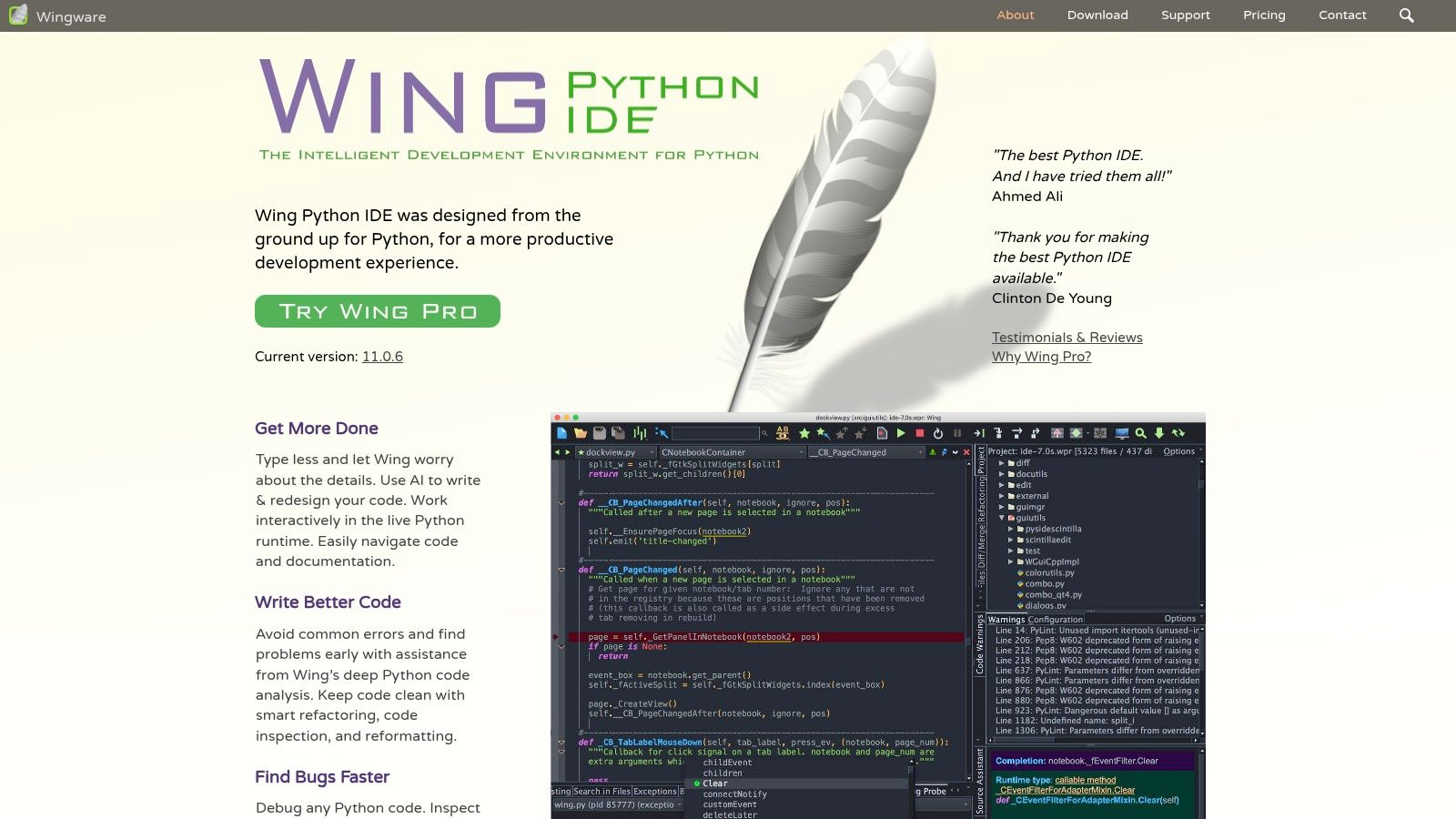
The IDE's code intelligence is finely tuned for Python, providing smart editing, error checking, and robust refactoring tools that understand the nuances of the language. It also offers solid, integrated support for popular frameworks like Django and Flask, along with an integrated test runner that simplifies quality assurance cycles. For businesses, Wingware’s flexible licensing models, including perpetual and annual options, can present an operational advantage over standard subscription-only models.
Key Features & Use Cases
- Platform: Windows, macOS, Linux
- Best For: Professional developers, intricate backend systems, and teams requiring advanced, multi-process debugging.
- Pricing: Free Wing Personal and Wing 101 editions; Pro edition is available via annual or perpetual licenses.
Business Impact:
- Reduced Risk: Its best-in-class debugger is specifically engineered to handle complex, real-world Python debugging scenarios, leading to more stable applications.
- Increased Efficiency: Every feature, from code analysis to refactoring, is optimized for Python, providing a deep and intuitive development experience.
- Simplified Procurement: Offers perpetual licenses and business-friendly purchasing options (PO/EU invoicing), ideal for corporate procurement processes.
Considerations:
- Smaller Plugin Ecosystem: The marketplace for third-party extensions is less extensive than those of VS Code or PyCharm.
- Niche Focus: Its specialization in Python means it is less suitable for polyglot teams who need a single editor for multiple languages.
Website: https://wingware.com
5. Spyder IDE
Spyder is an open-source scientific IDE written in Python, for Python, and designed by and for scientists, engineers, and data analysts. Its primary advantage is an environment that feels immediately familiar to anyone coming from MATLAB or RStudio. By providing an all-in-one interface with an editor, IPython console, and a unique variable explorer, it excels at interactive scientific computing and data exploration workflows, making it a top contender for the best Python editor in research and analytics.
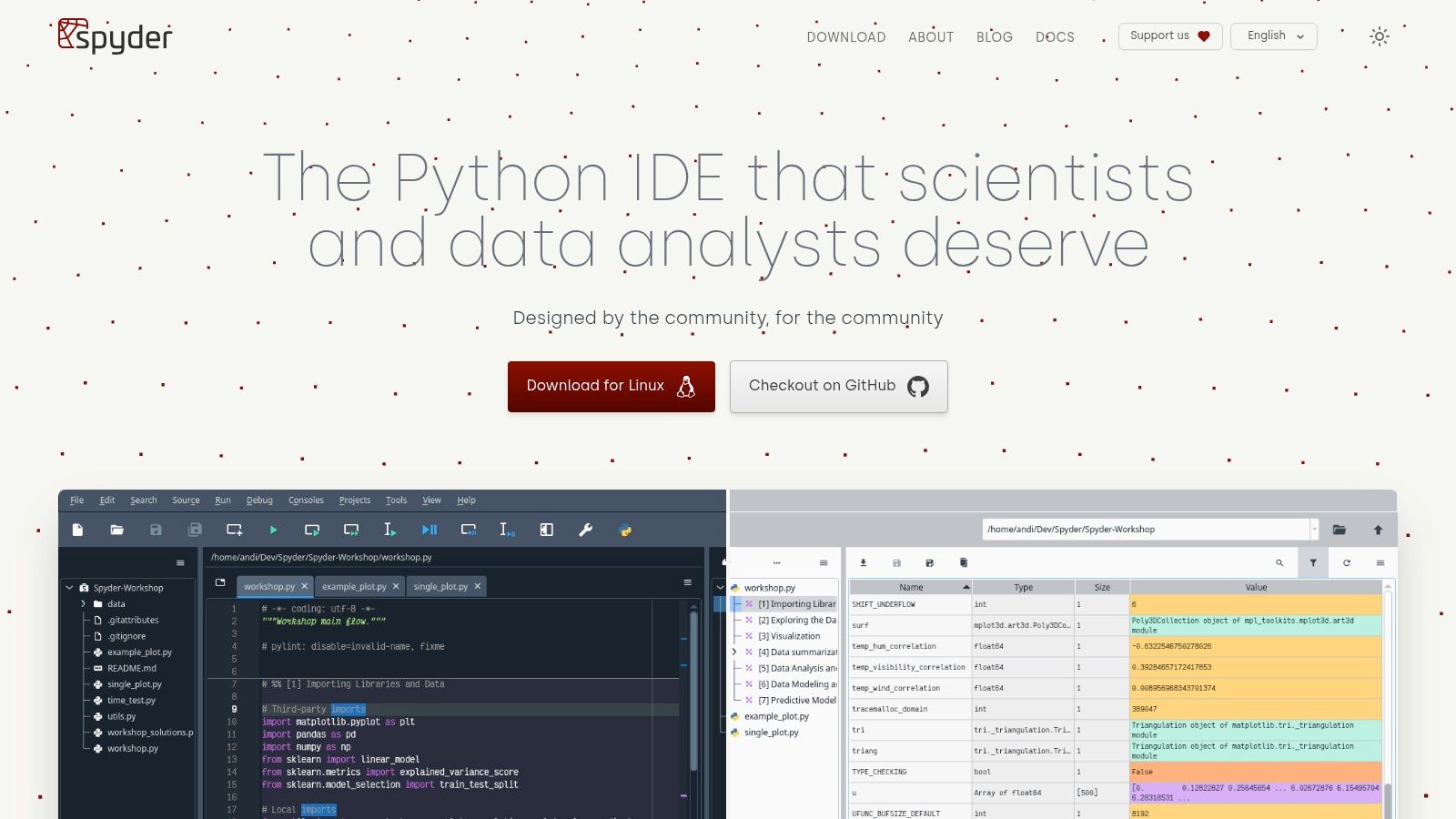
The IDE is most commonly installed via the Anaconda distribution, ensuring seamless integration with core data science libraries like NumPy, Pandas, and Matplotlib. Spyder's strength lies in its ability to let users execute code line-by-line, inspect data frames in a GUI, and visualize plots directly within the interface. This tight feedback loop is invaluable for developing models and conducting exploratory data analysis.
Key Features & Use Cases
- Platform: Windows, macOS, Linux
- Best For: Data science, scientific research, engineering, and data analysis tasks.
- Pricing: Completely free and open-source (MIT license).
Business Impact:
- Faster Data Insights: The variable explorer, integrated plotting, and IPython console are purpose-built for data-centric projects, accelerating the research and analysis lifecycle.
- Lower Onboarding Costs: Its MATLAB-like layout significantly lowers the barrier to entry for users transitioning from other scientific computing environments.
- No Licensing Overhead: Being free and open-source, it's highly accessible for academic and commercial use without cost barriers.
Considerations:
- Limited Web Development Support: Lacks the specialized tooling for web frameworks like Django or Flask.
- Niche Focus: Not optimized for large-scale software engineering or enterprise applications.
Website: https://www.spyder-ide.org
6. Thonny
Thonny is a Python IDE designed explicitly for beginners and educational environments. Its core philosophy is to remove as much friction as possible from the initial learning process, providing a self-contained environment that even bundles its own Python runtime. This makes it an outstanding choice for new developers, students, and educators who need a simple, zero-configuration setup to start coding immediately. Thonny's uncluttered interface and visual debugging tools are engineered to demystify programming concepts.
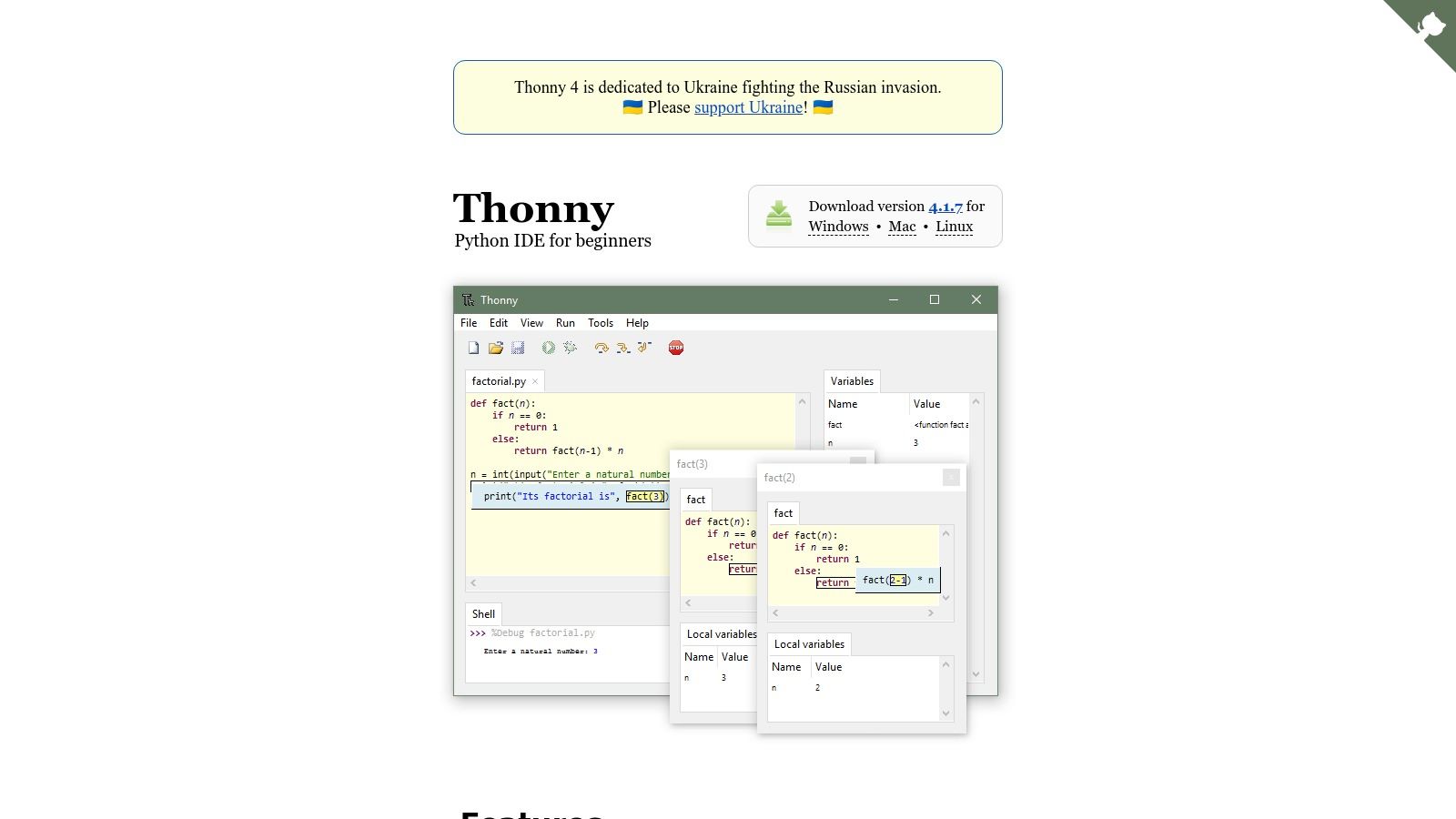
The standout feature is its integrated debugger, which visually represents function calls and shows how variables change with each step. This clear, step-through execution helps learners build a solid mental model of how their code actually runs. Beyond education, Thonny has found a niche in the maker community due to its excellent out-of-the-box support for microcontrollers like the Raspberry Pi Pico and MicroPython.
Key Features & Use Cases
- Platform: Windows, macOS, Linux
- Best For: Absolute beginners, students, educators, and microcontroller development (Raspberry Pi, MicroPython).
- Pricing: Completely free and open-source.
Business Impact:
- Accelerated Training: Bundled with Python, it works straight out of the box, which is ideal for internal training programs or onboarding junior developers.
- Improved Code Understanding: The simple, visual debugger is a powerful aid for understanding code flow and program state, fostering better development practices.
- Simplified Prototyping: A simple GUI for managing packages and built-in microcontroller support makes it useful for rapid hardware prototyping.
Considerations:
- Limited for Professional Use: Lacks the advanced tooling and project management features needed for large-scale enterprise applications.
- Performance on Complex Projects: Not optimized for managing complex codebases or computationally intensive tasks.
Website: https://thonny.org
7. Eclipse + PyDev
Eclipse, when paired with the PyDev plugin, transforms into a robust Python IDE well-suited for enterprise environments, particularly those already invested in the Eclipse ecosystem for Java development. This combination offers a mature, feature-rich environment for developers who need to work on polyglot projects involving both Java and Python. It provides a standardized tooling experience that simplifies corporate deployment and maintenance.
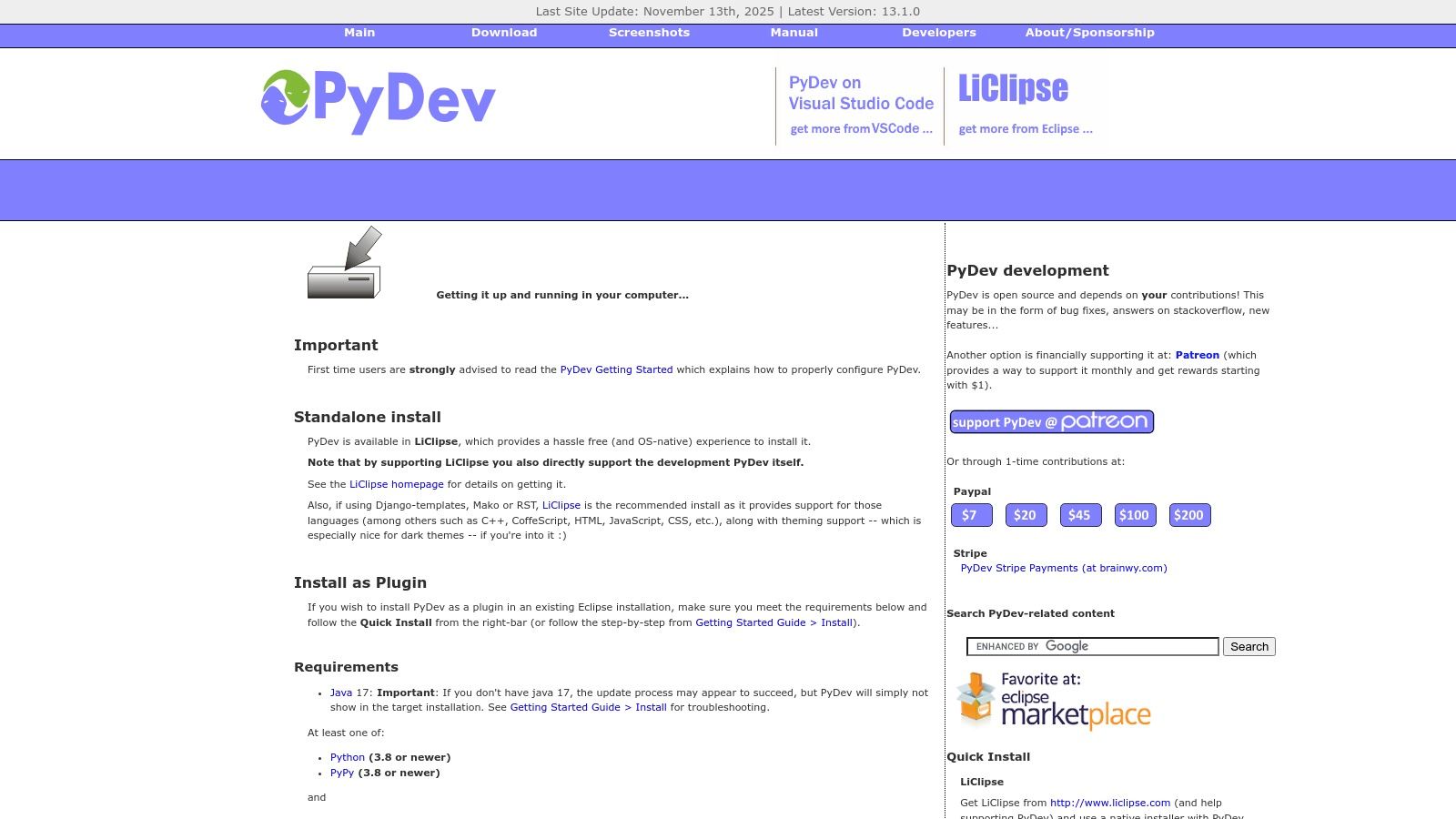
The primary strength of this setup is its deep integration capabilities. PyDev brings essential Python features like a debugger, code completion, and Django support directly into the familiar Eclipse interface. This allows teams to leverage Eclipse's extensive plugin ecosystem for source control and project management. For organizations that require offline installations, PyDev's availability via simple ZIP packages provides a significant operational advantage.
Key Features & Use Cases
- Platform: Windows, macOS, Linux
- Best For: Polyglot development (Java/Python) and enterprise environments standardized on Eclipse.
- Pricing: Free and open-source.
Business Impact:
- Leverages Existing Investment: Capitalizes on the stability and extensive plugin library of the long-standing Eclipse IDE.
- Reduces Tooling Sprawl: An excellent choice for organizations where developers switch between Java and Python, ensuring a unified toolchain.
- Ensures Compliance: Supports offline installations and corporate rollouts, a key requirement for many large companies with restricted network environments.
Considerations:
- Complex Configuration: The initial setup can be more involved compared to modern, out-of-the-box Python editors.
- Dated UI: It has a larger resource footprint and a less modern user interface than competitors like VS Code.
Website: https://www.pydev.org/download
8. Neovim
Neovim is a modern, community-driven fork of the Vim editor, refactored for extensibility and performance. It attracts developers who prioritize speed, customization, and a keyboard-centric workflow. For Python development, Neovim becomes a powerful, bespoke IDE by leveraging its native Language Server Protocol (LSP) client and a rich ecosystem of plugins, making it a top contender for the best Python editor for terminal-based and remote workflows.
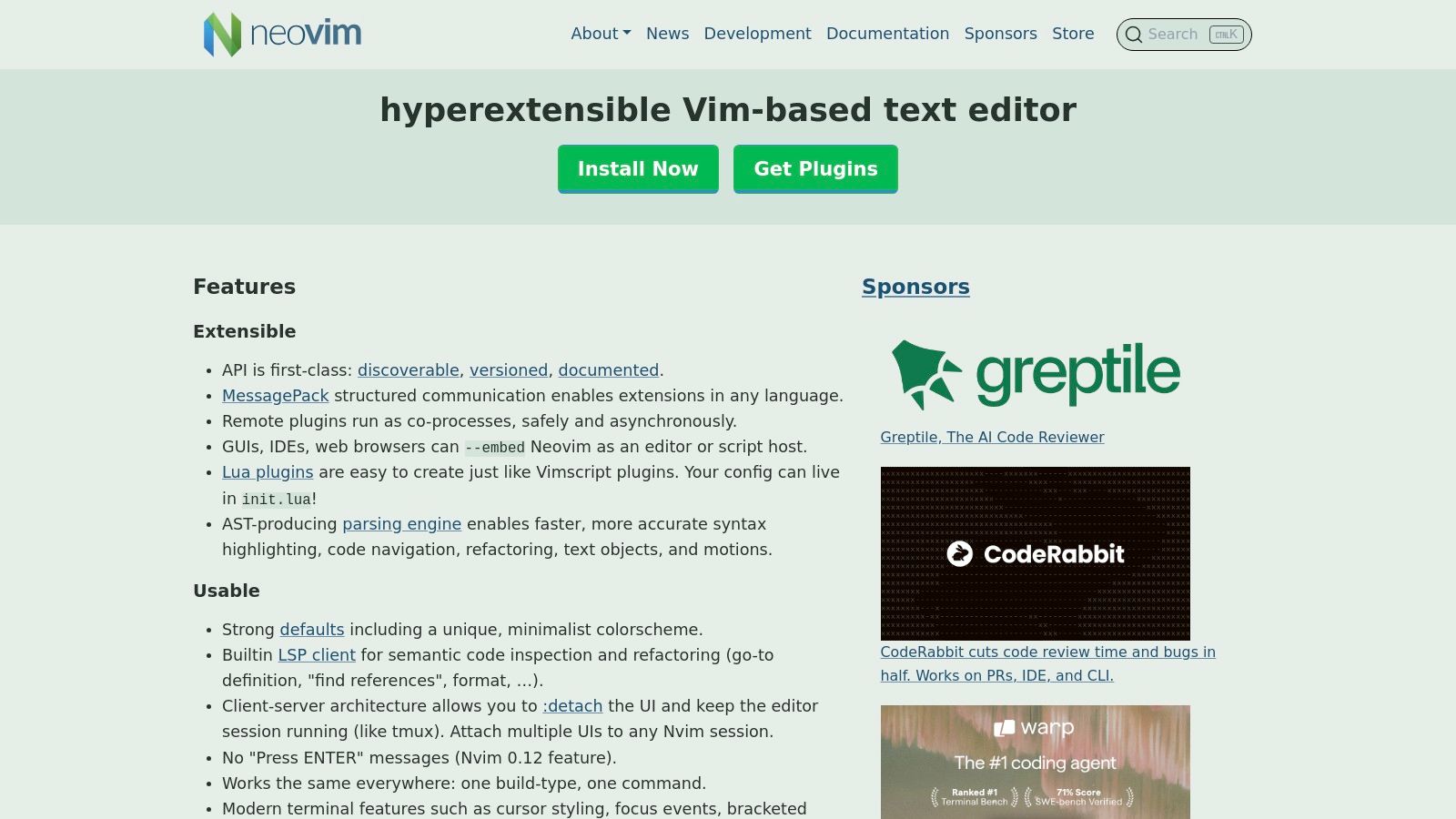
Its core strength is its Lua-first configuration model and asynchronous architecture, which allow for a non-blocking, highly responsive user experience. Developers can build a reproducible, scriptable editor environment from the ground up, integrating essential Python tools like pyright for type checking and ruff for linting. This makes it exceptionally well-suited for development on servers or within containers where traditional IDEs would struggle.
Key Features & Use Cases
- Platform: Windows, macOS, Linux (excels in terminal environments)
- Best For: Remote development (SSH, Docker), low-resource systems, and developers demanding a fully customized, keyboard-driven environment.
- Pricing: Completely free and open-source.
Business Impact:
- Peak Developer Efficiency: The asynchronous architecture ensures a snappy, non-blocking experience even with many plugins.
- Standardized Environments: Configurations are code (typically Lua), allowing for version-controlled, shareable, and automated setups across teams.
- Cost-Effective Infrastructure: It runs natively in the terminal, making it the ideal choice for server-side development and reducing the need for powerful client machines.
Considerations:
- Steep Learning Curve: Requires significant initial investment to learn Vim motions and configure the editor effectively.
- DIY Setup: You must manually select, install, and configure plugins to build your ideal Python development environment.
Website: https://neovim.io
9. GNU Emacs
GNU Emacs is an extensible, self-documenting, and highly customizable text editor that can be molded into a powerful, bespoke Python development environment. Far more than a simple editor, Emacs is an ecosystem where developers can build their ideal workflow using Emacs Lisp. It is favored by developers who value ultimate control, literate programming, and an environment that can be fine-tuned to their exact specifications, operating in both GUI and terminal-only sessions.
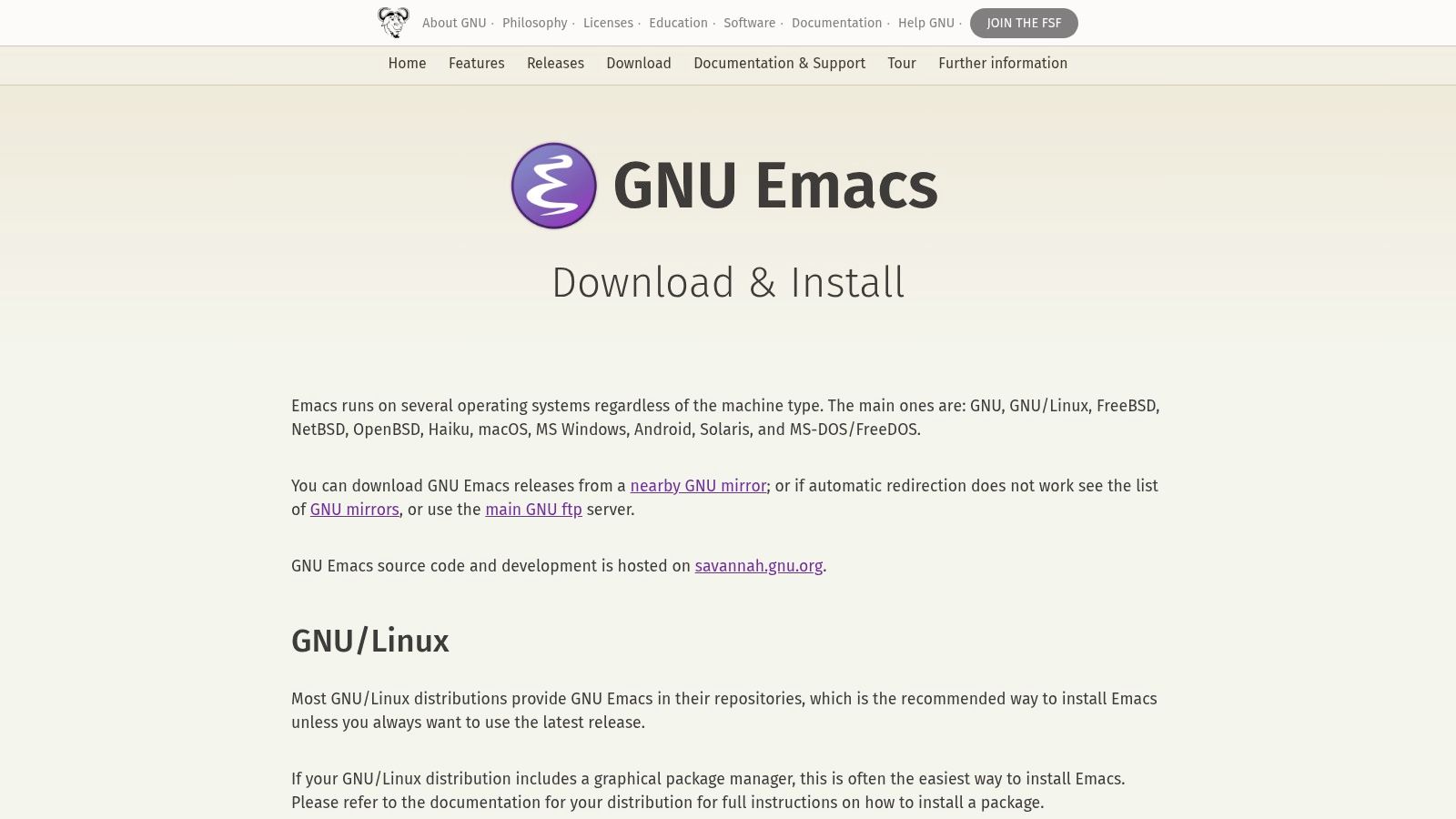
Its power for Python development is unlocked through its package ecosystem. With packages providing Language Server Protocol (LSP) support, seamless integration with formatters like Black and linters like ruff, and powerful REPL workflows, Emacs can achieve IDE-level functionality. For data scientists, its renowned Org-mode offers unparalleled capabilities for literate programming, allowing executable code, notes, and documentation to coexist in a single document.
Key Features & Use Cases
- Platform: Windows, macOS, Linux
- Best For: Academic research, literate programming, deep system customization, and developers who prefer a keyboard-centric workflow.
- Pricing: Completely free and open-source.
Business Impact:
- Highly Tailored Workflows: Nearly every aspect of the editor can be programmed, creating a personalized development environment that maximizes expert productivity.
- Improved Documentation & Reproducibility: The integration of Org-mode with Python and Jupyter provides a first-class environment for research and documentation.
- Operational Flexibility: Runs consistently across all major operating systems, both with a graphical interface and directly within a terminal.
Considerations:
- Steep Learning Curve: New users face a significant initial time investment to learn Emacs Lisp and configure the editor effectively.
- Manual Configuration: Achieving a feature set comparable to a modern IDE requires significant effort in configuring packages.
Website: https://www.gnu.org/software/emacs/
10. GitHub Codespaces
GitHub Codespaces shifts the paradigm from local machine setups to cloud-hosted development environments. It allows development teams to launch a pre-configured, browser-based VS Code instance from any repository, eliminating local setup friction entirely. This approach is transformative for organizations aiming to standardize their development stack, accelerate onboarding, and enforce security policies across distributed teams.
Its core strength is the devcontainer.json file, which defines the entire development environment as code—from the OS and Python version to specific extensions and environment variables. This ensures every developer works in an identical, reproducible environment, which significantly reduces "works on my machine" issues. For businesses in regulated industries, Codespaces offers an ephemeral, secure, and centrally managed workspace.
Key Features & Use Cases
- Platform: Web browser, or connected via local VS Code and JetBrains IDEs.
- Best For: Collaborative projects, remote teams, and organizations requiring standardized and secure development environments.
- Pricing: Usage-based (per core hour and storage), with a free monthly quota for personal accounts.
Business Impact:
- Faster Onboarding: Dramatically speeds up ramp-up time, as developers can start coding in seconds without any local configuration.
- Reduced Development Risk: Ensures development and CI/CD consistency across the entire team by defining the environment as code.
- Enhanced Security & Compliance: Centralizes secrets management and keeps source code off local machines, a critical benefit for enterprise security.
Considerations:
- Internet Dependent: Requires a stable internet connection for all operations.
- Potential for Cost Overruns: Usage-based pricing can become expensive if environments are not managed carefully.
Website: https://github.com/features/codespaces
11. AWS Cloud9
AWS Cloud9 is a cloud-based IDE that allows you to write, run, and debug your code with just a browser. It is specifically engineered for teams that build and deploy applications directly on AWS infrastructure. For organizations invested in the AWS ecosystem, Cloud9 eliminates local environment inconsistencies and provides a secure, centralized development platform that integrates seamlessly with services like Lambda and EC2.
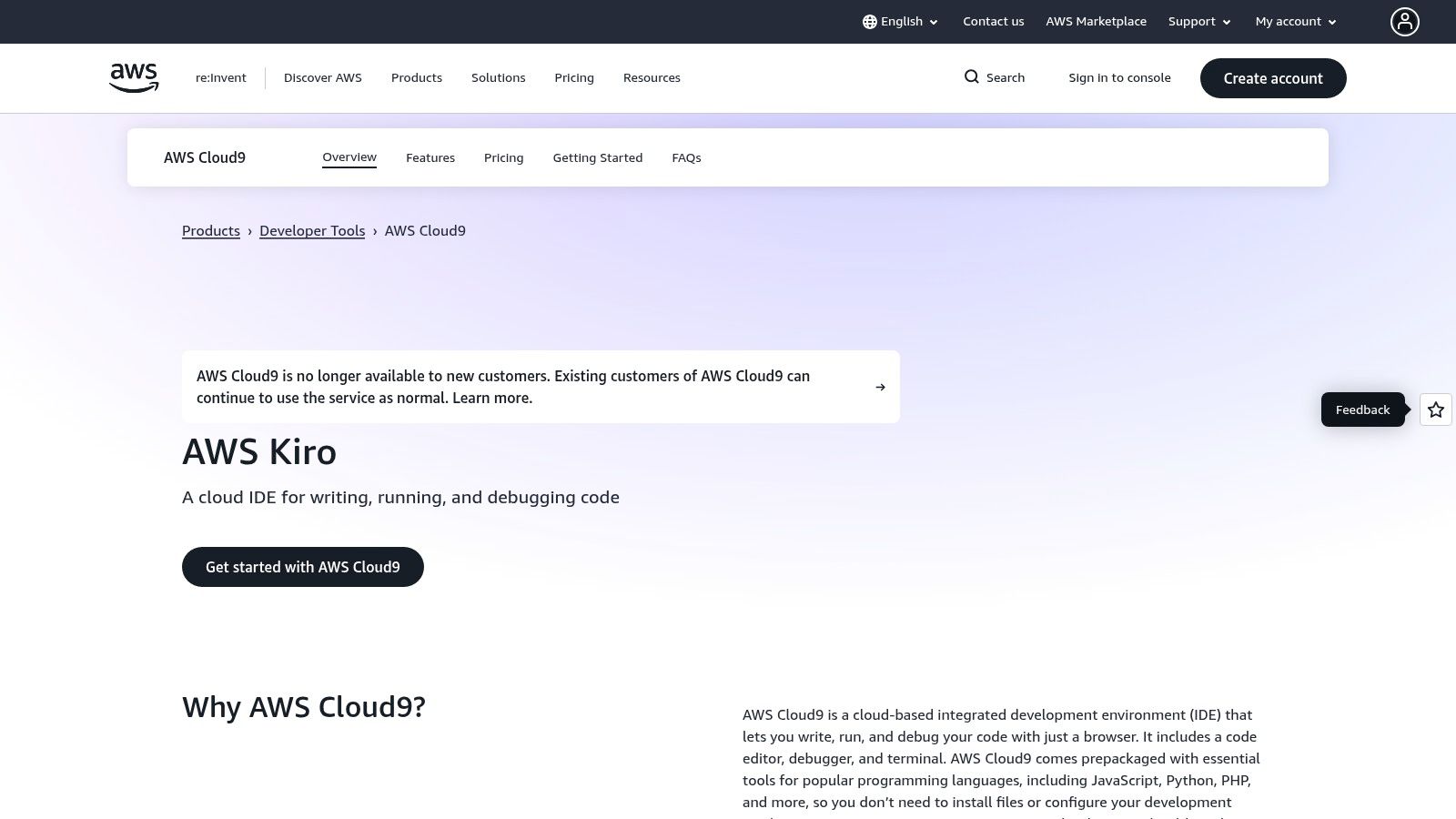
Its primary advantage is its native integration with AWS services and Identity and Access Management (IAM) controls. This allows CTOs to enforce granular permissions and security policies, ensuring developers access only the resources they need. The platform supports real-time pair programming, which accelerates collaboration for distributed teams. By running on managed Amazon EC2 instances, Cloud9 also offers the ability to scale compute resources on demand.
Key Features & Use Cases
- Platform: Web browser-based (runs on an AWS EC2 instance).
- Best For: Cloud-native Python development and teams deeply integrated with the AWS ecosystem.
- Pricing: No additional charge for Cloud9; you pay only for the underlying AWS compute (EC2) and storage (EBS) resources used.
Business Impact:
- Accelerated Cloud Deployment: Unmatched, native tooling for developing, testing, and deploying Python applications on AWS services.
- Improved Collaboration: Enables seamless pair programming and environment sharing, ideal for remote or distributed teams.
- Strengthened Security Posture: Provides consistent, cloud-based development environments governed by central IAM policies.
Considerations:
- AWS-Centric: Its value is significantly diminished for projects not targeting the AWS cloud.
- Requires Internet Connectivity: Being cloud-based, it is entirely dependent on a stable internet connection.
- Underlying Costs: The required EC2 and EBS resources incur costs that can accumulate.
Website: https://aws.amazon.com/cloud9
12. Replit
Replit is a browser-based, collaborative IDE and hosting platform that entirely eliminates local setup friction. It is purpose-built for rapid prototyping, teaching, and scenarios like technical interviews where instant, zero-configuration environments are paramount. For teams needing to quickly spin up a Python service, Replit provides one-click environments, live collaborative editing, and instant deployment, drastically reducing the time from concept to a shareable application.
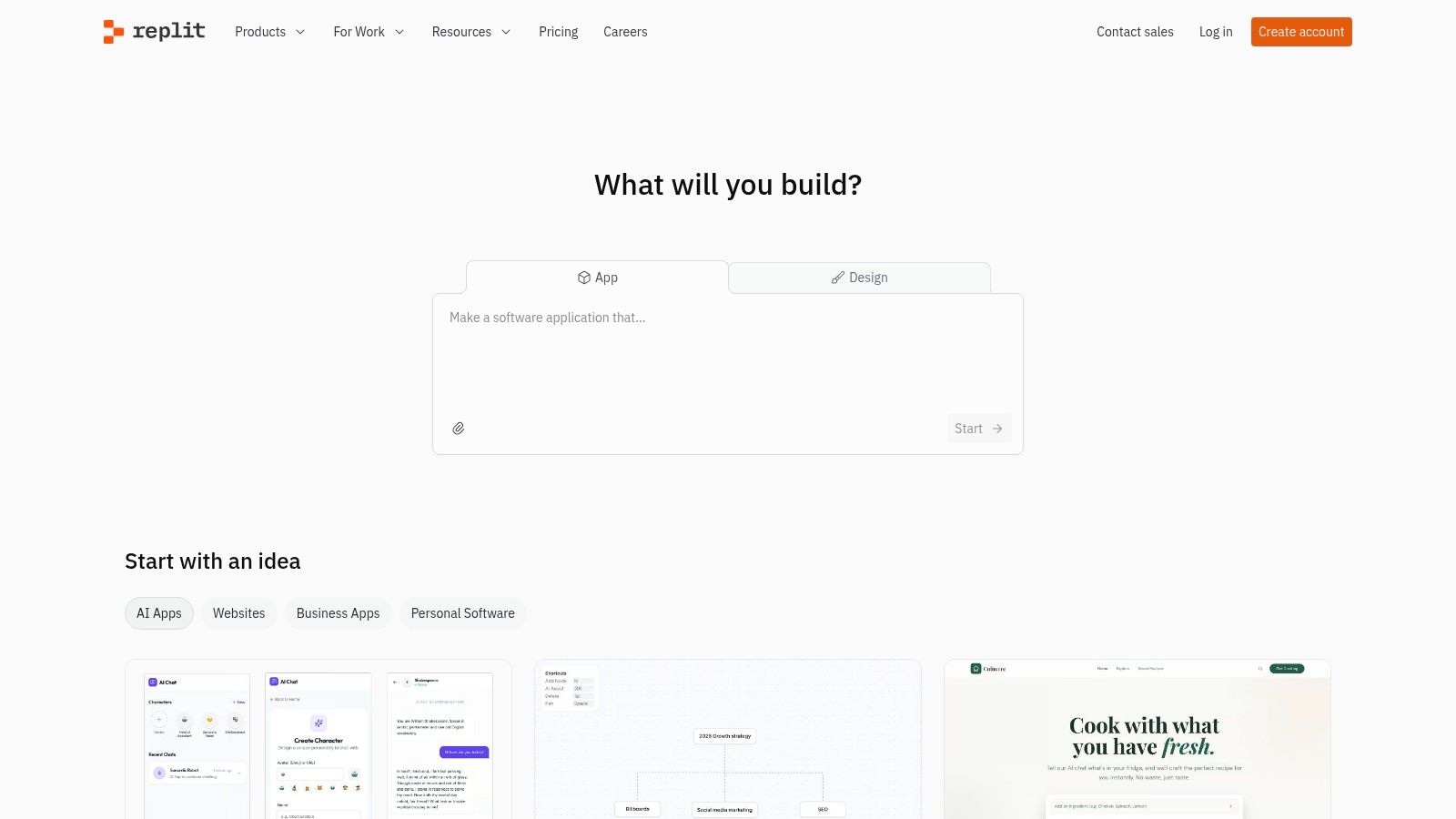
Its core strength is the seamless integration of coding, collaboration, and hosting. Developers can write code, invite others to edit in real-time, and deploy a web application with a single click. This integrated approach is particularly effective for teams building lightweight web apps, where the choice of framework is a key decision; you can find more insights by exploring the differences between Django and Flask.
Key Features & Use Cases
- Platform: Web browser (cloud-based)
- Best For: Rapid prototyping, educational purposes, workshops, live collaboration, and technical interviews.
- Pricing: Free tier available; paid plans for more powerful resources and private projects.
Business Impact:
- Drastically Reduced Prototyping Time: No local installation is required, allowing developers to build and share proofs-of-concept instantly from any machine.
- Enhanced Team Collaboration: Built-in live editing and one-click deployment make it ideal for team-based projects and agile iterations.
- Effective Technical Vetting: Provides a standardized, zero-friction environment for conducting technical interviews and coding challenges.
Considerations:
- Not a Full Desktop IDE: Lacks the deep debugging and extensive plugin ecosystem of traditional IDEs like PyCharm or VS Code.
- Potential Vendor Lock-In: Heavy reliance on the platform for hosting can create dependencies that are difficult to migrate away from.
Website: https://replit.com
Choosing the Best Python Editor for Your Business
Selecting an editor is the first step; the real competitive advantage comes from how you configure, integrate, and standardize these tools within your development lifecycle. An optimized workflow transforms a good editor into a powerful engine for innovation.
Strategic Implementation Considerations
- Standardization vs. Flexibility: Should your team use one editor and configuration to simplify onboarding? Or should you allow flexibility to boost individual productivity? A hybrid approach, with a recommended standard but allowances for expert users, often provides the best balance.
- Onboarding and Training: How will you bring new developers up to speed? A well-documented setup process and shared configuration files (like VS Code's
settings.json) can dramatically reduce the time it takes for a new team member to become productive. - Toolchain Integration: Your editor must seamlessly integrate with your version control system (Git), CI/CD pipelines, and containerization tools (Docker). This is crucial for creating a low-friction, automated workflow.
- Security and Compliance: The editor and its extensions must be vetted for security risks. Configurations should enforce code quality standards, run security scanners, and manage sensitive credentials securely to strengthen your compliance posture.
Frequently Asked Questions (FAQ)
1. What is the best Python editor for beginners?
Thonny is an excellent choice for beginners. It comes with Python pre-installed, has a simple interface, and features a visual debugger that helps new developers understand code execution step-by-step.
2. Which editor is best for data science?
Spyder is purpose-built for scientific computing and data analysis, with features like a variable explorer that are invaluable for data-centric work. VS Code, with its extensive data science extensions and Jupyter Notebook support, is also a very popular and powerful alternative.
3. Is a free Python editor good enough for professional development?
Absolutely. Visual Studio Code is free, open-source, and used by millions of professionals worldwide. With the right extensions, it becomes a powerful IDE that can handle complex, enterprise-grade projects. The choice often comes down to out-of-the-box convenience versus customized setup.
4. What's the main difference between an IDE like PyCharm and a code editor like VS Code?
An IDE (Integrated Development Environment) like PyCharm is an all-in-one package with a debugger, compiler, and other tools built-in. A code editor like VS Code is more lightweight and modular; you add features like debugging and linting through extensions. IDEs offer convenience, while editors offer flexibility and performance.
5. How do cloud-based editors like GitHub Codespaces impact development costs?
Cloud-based editors can reduce capital expenditure on high-end developer laptops and accelerate onboarding, lowering initial costs. However, their usage-based pricing models require careful management to avoid operational cost overruns. They offer a significant business benefit by standardizing environments and enhancing security.
Partner with Experts to Optimize Your Python Development Workflow
The journey from selecting an editor to achieving tangible business results is paved with strategic implementation. The right tool, expertly configured, directly accelerates time-to-market, enhances code quality, and frees up your engineering talent to focus on solving business problems.
Selecting the best python editor is a critical first step, but maximizing its value requires expertise in workflow optimization. At SCALER Software Solutions Ltd, we provide senior EU-based Python engineers who not only write exceptional code but also build and refine the development environments that drive project success.
Ready to turn your development environment into a competitive advantage? Book a discovery call with our experts today.
< MORE RESOURCES / >

Fintech
A Guide to Epic Store Szeged and the Local Tech Scene

Fintech
A Guide to Designing a Nordic Light Office for Technical Teams

Fintech
A Tech Employer's Guide to Hungary's Social Security System

Fintech
How to Choose an IT Company That Drives Business Outcomes

Fintech
A Consultant's Guide to Part-Time Jobs in Budapest

Fintech
A Consultant's Guide to Peppol Integration for E-Invoicing

Fintech
A Tech Leader's Guide to Nearshore Development

Fintech
PSD2 Integration for CTOs: Real-World Challenges and Architecture Insights

Team augmentation
Hiring vs. Outsourcing: Finding the Right Balance with Team Augmentation

Fintech