
< RESOURCES / >
The 12 Best IDE for Python: A 2025 Guide for Enterprise Teams

Selecting the best IDE for Python is a strategic decision that directly impacts developer productivity, code quality, and time-to-market. The right tool streamlines debugging, simplifies environment management, and integrates seamlessly with CI/CD pipelines, reducing friction and operational costs. For technical leaders and product managers, this choice is not about developer preference; it is about choosing an environment that scales with your team, enforces coding standards, and secures your software supply chain. An inefficient development environment introduces risk, slows down onboarding, and ultimately delays revenue-generating features.
This guide provides a business-focused analysis of the top Python IDEs and editors. We evaluate each option based on critical enterprise use cases—from data science and machine learning to secure web application development—connecting technical capabilities to tangible business outcomes. Whether you are building fintech platforms requiring secure integrations or augmenting a team for rapid MVP development, the right IDE is foundational to your success.
Inside this analysis, you will find a detailed breakdown of leading tools like PyCharm, Visual Studio Code, Spyder, and Jupyter, alongside powerful cloud-based environments such as GitHub Codespaces and AWS Cloud9. We will dissect their strengths and limitations for specific scenarios, offering practical insights into:
- Use-Case Suitability: Which IDE is optimized for data analysis versus enterprise web development?
- Team Collaboration: How do different tools support remote development, version control, and consistent coding standards?
- Operational Efficiency: Which platforms offer the best debugging, testing, and deployment integrations to accelerate your delivery pipeline?
Each review includes direct links and screenshots to help you make an informed, strategic decision that aligns with your technical requirements and business objectives.
1. JetBrains PyCharm
JetBrains PyCharm is widely regarded as a leading dedicated IDE for Python, offering a feature-rich environment built for professional development. Its website is the central hub for downloading the IDE, accessing documentation, and understanding the clear upgrade path from the free Community Edition to the Professional Edition. This Python-first focus ensures that every tool, from intelligent code completion to the graphical debugger, is finely tuned for the language, which reduces development friction and accelerates time-to-market.
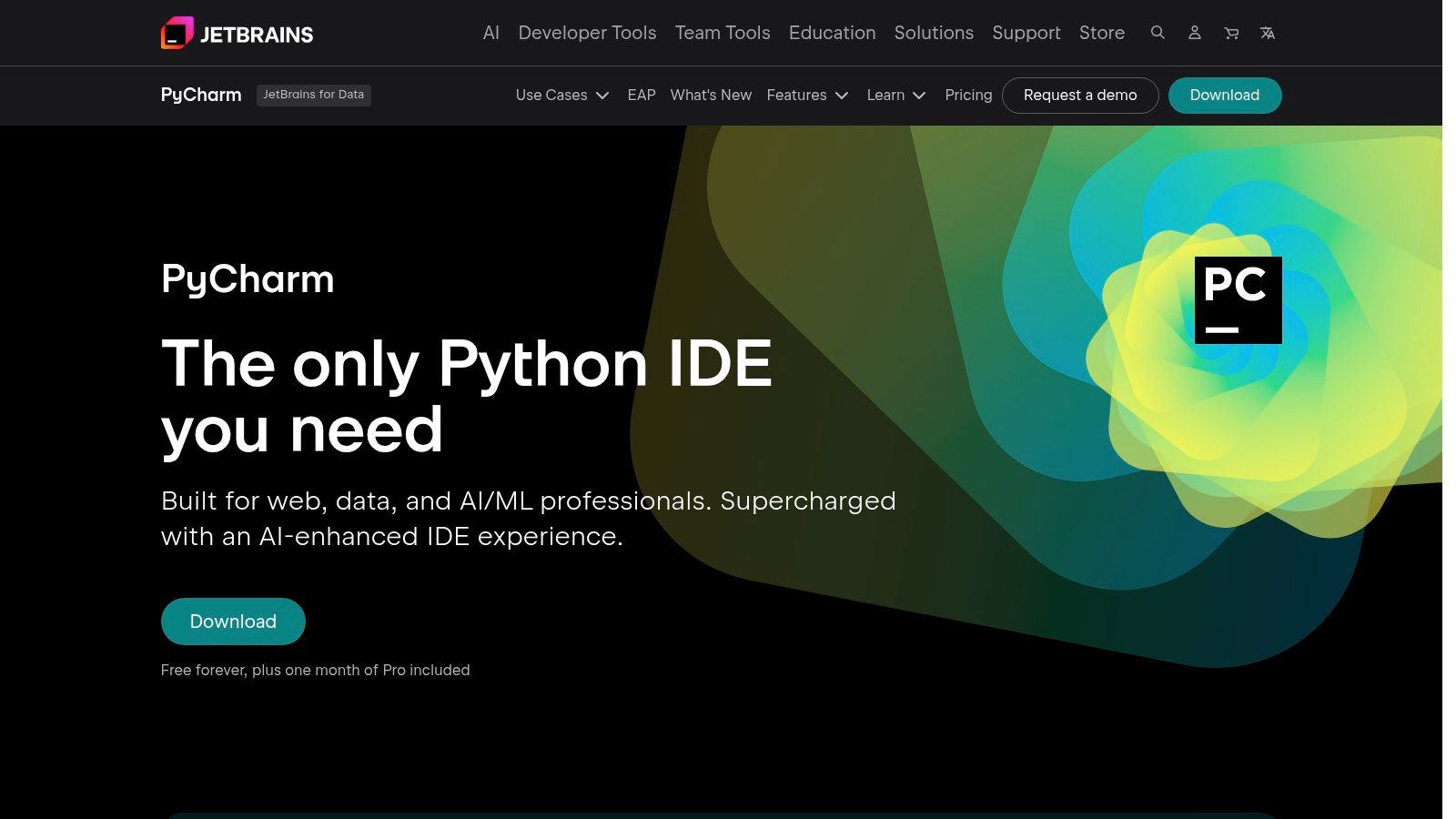
Unlike generic editors with Python extensions, PyCharm provides an integrated experience. The free Community Edition is highly capable for pure Python projects and data science, featuring a strong debugger, test runner, and Jupyter Notebook support. However, for enterprise web development and complex team environments, the Professional Edition is essential. It unlocks critical features like remote development, Docker integration, and robust database tools that are indispensable for building modern applications. For teams working with popular web frameworks, you can learn more about its advanced support for Django and Flask and how it streamlines their specific workflows.
Key Details & Use Cases
- Best For: Professional Python developers, data scientists, and enterprise teams requiring a stable, fully-featured environment.
- Pricing: Free Community Edition; Professional Edition available via a paid subscription.
- Unique Offering: A dedicated Python IDE with deep framework integration (Django, Flask, FastAPI) and a unified toolset, reducing the need for extensive configuration.
- Exceptional, Python-aware code intelligence and refactoring.
- Powerful graphical debugger and profiler.
- Seamless upgrade path for advanced web and remote development features.
- Can be resource-intensive compared to lightweight text editors.
- Full-stack web and remote features are locked behind the Pro subscription.
2. Visual Studio Code
Visual Studio Code has evolved from a lightweight text editor into a versatile environment for Python development, largely due to its extensive marketplace of extensions. Its official website is the download hub for this free, open-source tool. Unlike dedicated IDEs, VS Code's strength lies in its modularity; you start with a lean editor and add only the tools you need, such as the official Python, Jupyter, and Pylance extensions, creating a customized environment that remains fast and responsive.
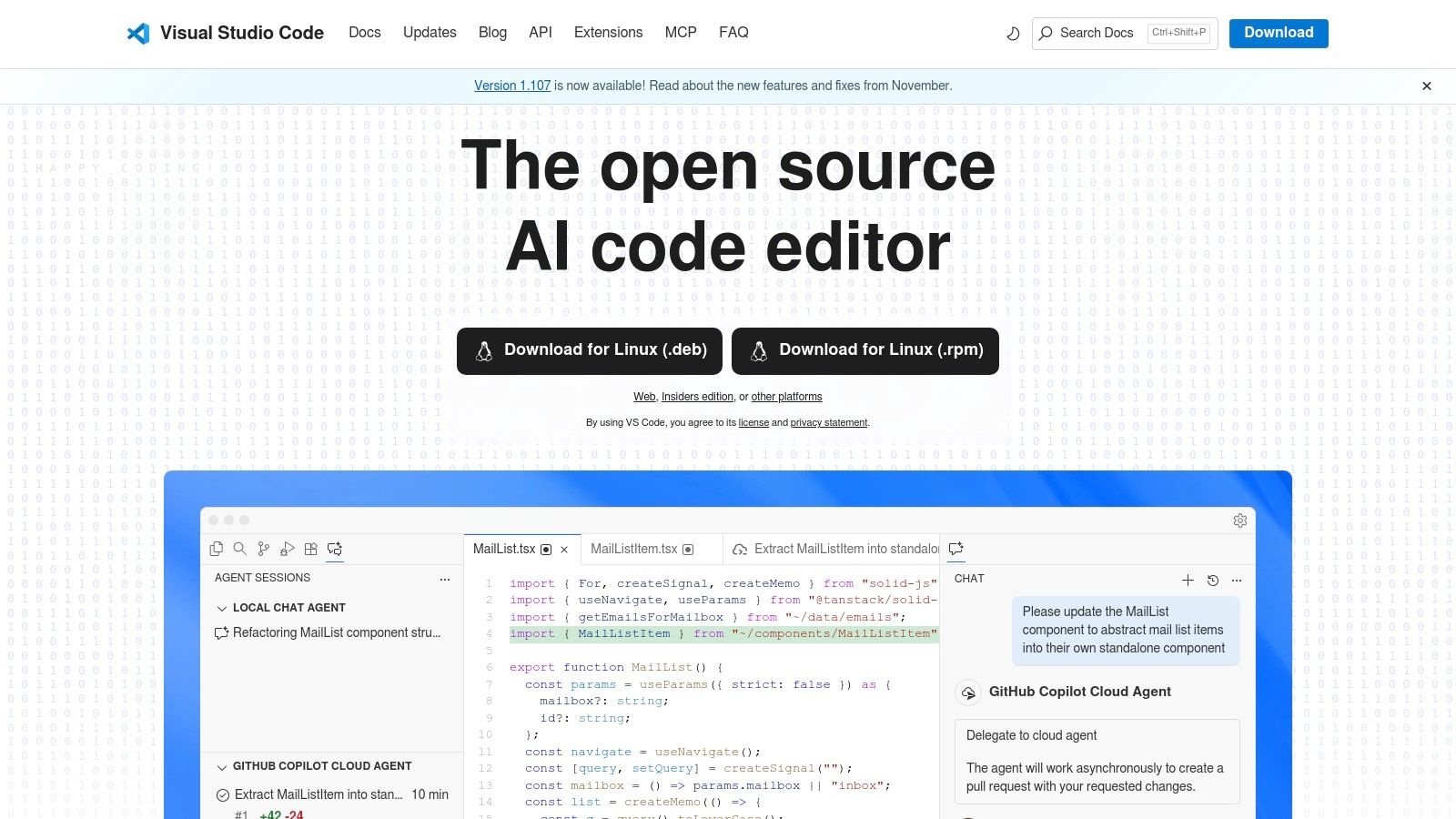
This extensibility is what sets VS Code apart. With the official Python extension from Microsoft, you gain access to the Pylance language server, which provides intelligent code completion, linting, and debugging. Its built-in Git integration, integrated terminal, and strong support for remote development via SSH and devcontainers make it an exceptional choice for modern cloud-native and team-based workflows. For those looking to further enhance productivity, understanding Claude Code's integration with VSCode shows how AI-assisted tools can be layered in to accelerate development cycles.
Key Details & Use Cases
- Best For: Developers who work with multiple languages, web developers, and those who prioritize a customizable, lightweight, and free environment.
- Pricing: Completely free and open-source.
- Unique Offering: An unparalleled extension marketplace that allows for deep customization, turning a lean editor into a full-featured IDE for any workflow.
- Free, fast, and highly extensible with a massive community.
- Excellent remote development capabilities (SSH, Containers, Codespaces).
- Top-tier Python support through the official Pylance extension.
- Requires initial setup to match the out-of-the-box power of a dedicated IDE.
- Managing extensions across a team can introduce configuration inconsistencies.
3. Wing Python IDE (Wingware)
Wingware’s website is the direct portal for Wing Python IDE, a mature, commercial-grade environment focused exclusively on Python. It provides downloads for its different editions, including a 30-day trial of the Pro version and the free Wing Personal edition. Unlike general-purpose editors, Wing is built from the ground up for Python, offering a stable workflow centered on its powerful debugger, which is a key differentiator for developers working on complex systems where reducing risk is critical.
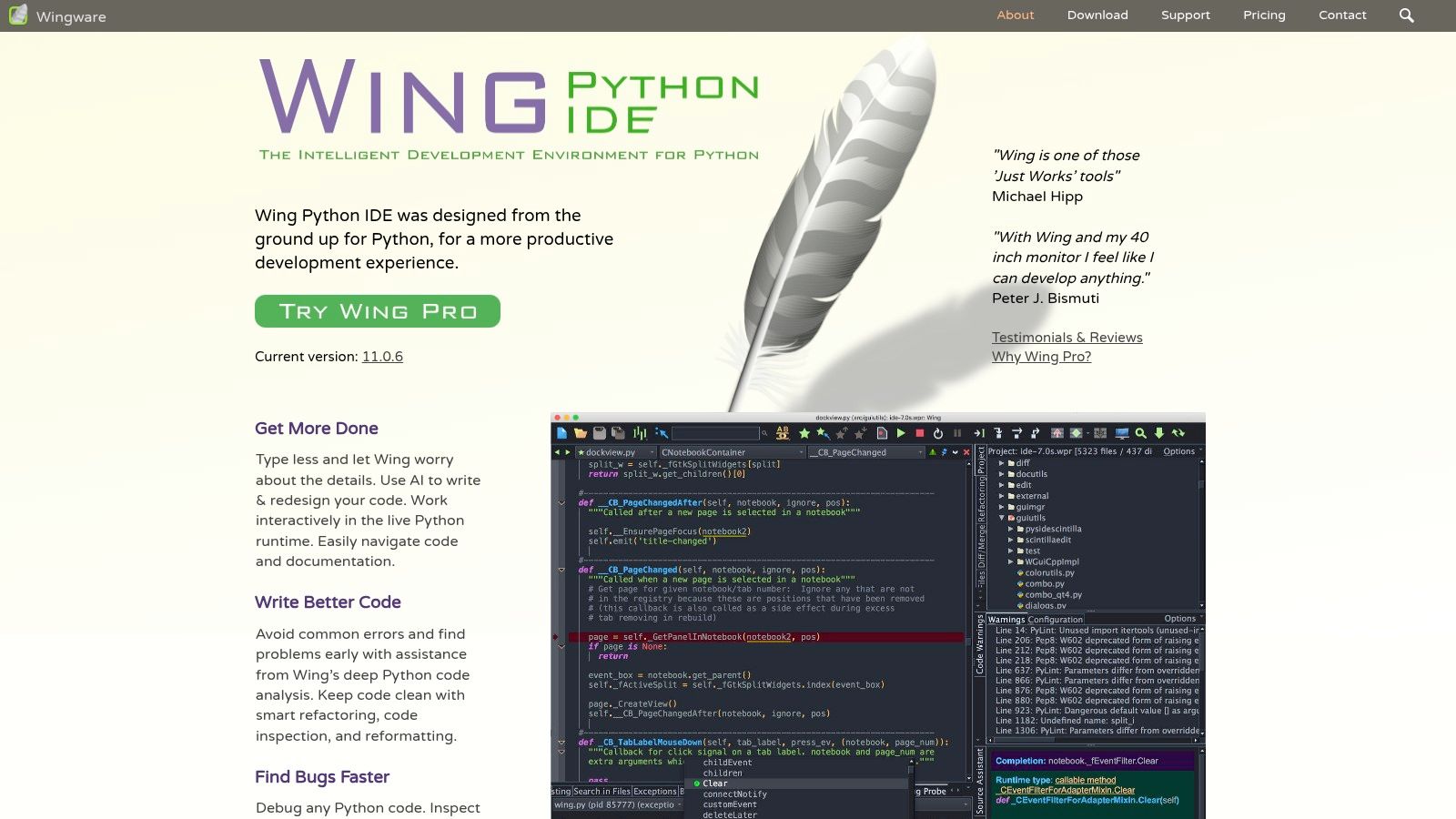
The platform is particularly well-suited for professional developers who prioritize debugging and remote development. While the free Wing Personal edition offers a glimpse into the IDE, the real power lies in the Pro version. This paid edition unlocks advanced features like remote debugging, comprehensive test-driven development tools, and deep framework support for Django and Flask. The website transparently details the features in each tier, allowing teams to make an informed cost-benefit analysis based on their need for debugging efficiency.
Key Details & Use Cases
- Best For: Professional developers and teams requiring advanced debugging, remote development, and a stable, Python-dedicated workflow.
- Pricing: Free Wing Personal/101 editions; Pro edition available with a per-developer commercial license.
- Unique Offering: A highly mature and exceptionally powerful debugging engine that includes remote debugging, interactive development, and advanced code inspection.
- Outstanding, feature-rich debugger is a core strength.
- Very stable and focused on a pure Python development experience.
- Excellent remote development capabilities for complex server-side applications.
- The user interface feels more traditional than competitors.
- Most powerful features are exclusive to the paid Pro edition.
4. Spyder
Spyder is a free, open-source IDE created for scientific computing in Python, making it a strong contender for the best IDE for Python in data science and research. Its website is the official source for downloads and documentation, clearly positioning the tool for data analysts, engineers, and scientists. Unlike general-purpose editors, Spyder provides an out-of-the-box, MATLAB-like environment that integrates the essential tools for an interactive data analysis workflow, reducing setup time and letting teams focus on analysis rather than configuration.
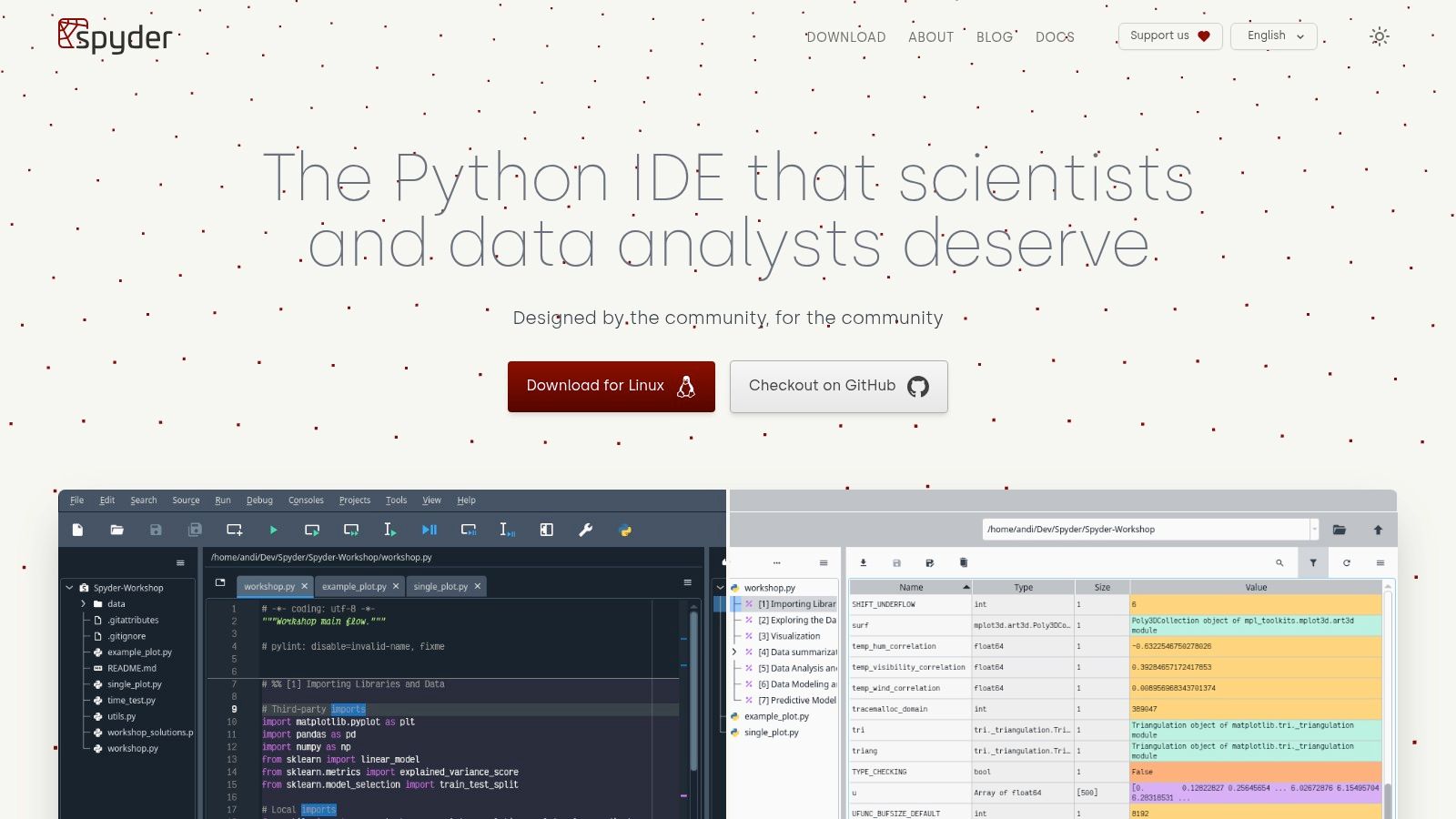
The platform's strength lies in its multi-pane layout, which includes a feature-rich editor, an IPython console, and its standout Variable Explorer. This explorer allows users to inspect and modify dataframes, arrays, and other objects graphically, which is invaluable for debugging complex data manipulations and accelerating the research cycle. While not designed for web development, its tight integration with libraries like NumPy, pandas, and Matplotlib makes it an incredibly efficient environment for any data-centric project. The easiest way to get started is by installing it via the Anaconda distribution.
Key Details & Use Cases
- Best For: Data scientists, researchers, and engineers who need an interactive, data-focused development environment.
- Pricing: Completely free and open-source (MIT License).
- Unique Offering: The interactive Variable Explorer, which provides a spreadsheet-like view of data objects for real-time inspection and analysis.
- Excellent for exploratory data analysis and scientific workflows.
- Completely free and actively maintained by its community.
- Simple installation and environment management via the Anaconda distribution.
- Not suitable for general-purpose or web application development.
- Can feel resource-heavy compared to a lightweight text editor.
5. Sublime Text
Sublime Text is a high-performance text editor that transforms into a lightweight Python development environment through its extensive plugin ecosystem. Its website is the portal for evaluating and purchasing the software, but its true value is realized through community-driven packages like Package Control. This allows for the installation of extensions such as LSP (Language Server Protocol) for intelligent code completion and linters, bridging the gap between a fast text editor and a feature-rich IDE.
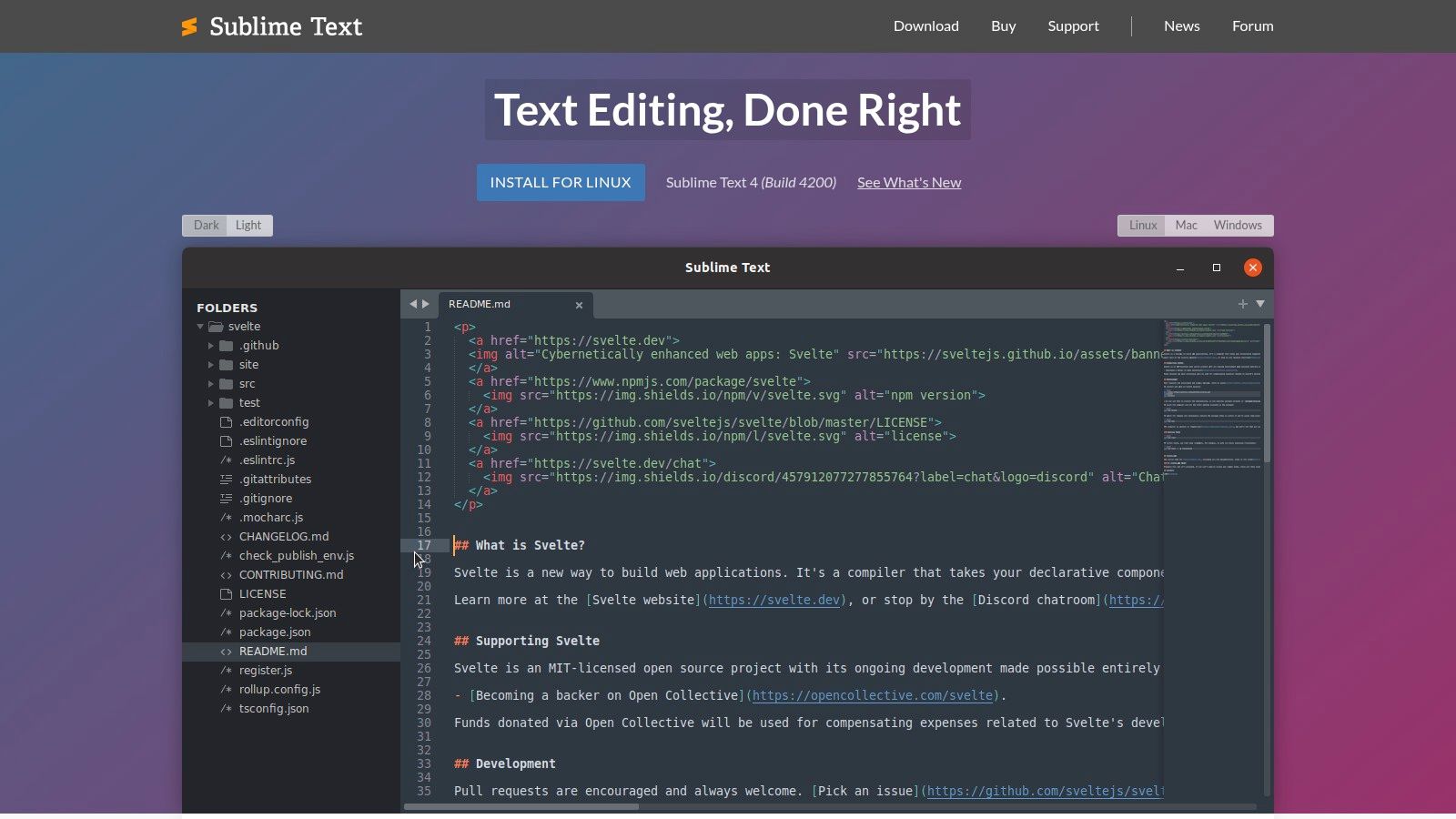
Unlike dedicated IDEs, Sublime Text offers a "build-your-own" approach that prioritizes speed and minimal resource usage. Developers who value performance will appreciate its near-instantaneous responsiveness, even with large projects. The initial setup requires more effort—you must manually install and configure packages for debugging, testing, and Python-specific linting. However, this modularity results in a highly personalized and efficient environment, free from the bloat of unused tools. The companion Git client, Sublime Merge, also integrates seamlessly.
Key Details & Use Cases
- Best For: Experienced developers who prioritize speed, performance, and deep customization over out-of-the-box features.
- Pricing: Free to evaluate with no time limit; a paid license is required for continued use.
- Unique Offering: Unmatched performance and a "build-your-own" IDE philosophy via Package Control, allowing for a lean, tailor-made environment.
- Extremely fast, responsive, and resource-efficient.
- Highly customizable through a vast ecosystem of plugins.
- A single license can be used by one person on all their computers.
- Requires significant manual configuration to achieve full IDE functionality.
- Lacks the deep, integrated debugging and profiling tools of dedicated IDEs.
6. Thonny
Thonny is a free Python IDE designed for beginners, making it a standout choice for education and initial learning. Its official website, thonny.org, is the direct source for this lightweight application, which bundles Python for Windows and macOS, simplifying the setup process for new users. Unlike complex environments that can overwhelm learners, Thonny offers a deliberately minimalist interface focused on teaching core programming concepts. This focus helps reduce the initial cost and time associated with training new developers.
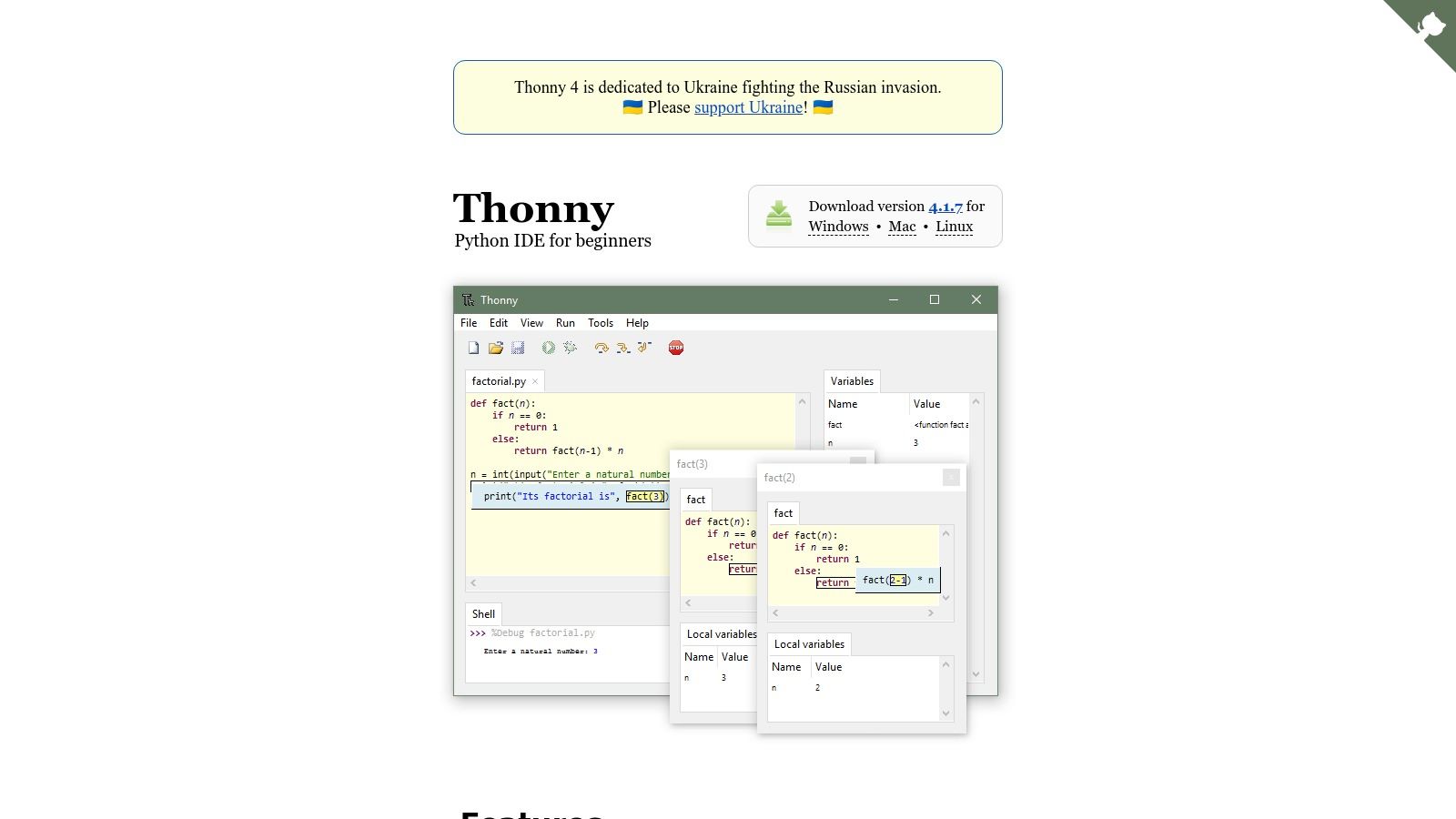
The IDE's primary differentiator is its visual debugger. It allows users to step through code execution expression by expression, visualizing how variables change and how the call stack operates in real-time. This hands-on approach demystifies complex behavior and helps build a solid conceptual foundation. While it lacks the advanced project management and remote development features of professional IDEs, its value lies in reducing the friction of learning Python, making it a useful tool for onboarding junior team members before they transition to more powerful tools.
Key Details & Use Cases
- Best For: Students, educators, and absolute beginners who need a simple environment for learning Python fundamentals.
- Pricing: Completely free and open-source.
- Unique Offering: A built-in visual debugger that shows step-by-step expression evaluation and variable changes, specifically designed for teaching.
- Extremely user-friendly and minimal setup required.
- Excellent pedagogical tools, including a simple debugger and scope visualizer.
- Bundled Python interpreter simplifies installation.
- Lacks the advanced features needed for professional or large-scale development.
- Not suitable for complex projects involving multiple files or frameworks.
7. Project Jupyter (JupyterLab)
Project Jupyter is the open-source initiative behind the Jupyter Notebook, a standard environment for interactive data science and scientific computing in Python. Its official website is the central hub for accessing documentation and the next-generation user interface, JupyterLab. While not a traditional IDE for building large-scale software, it is an indispensable tool for data exploration, visualization, and iterative model development, making it a core part of the modern data science toolkit.
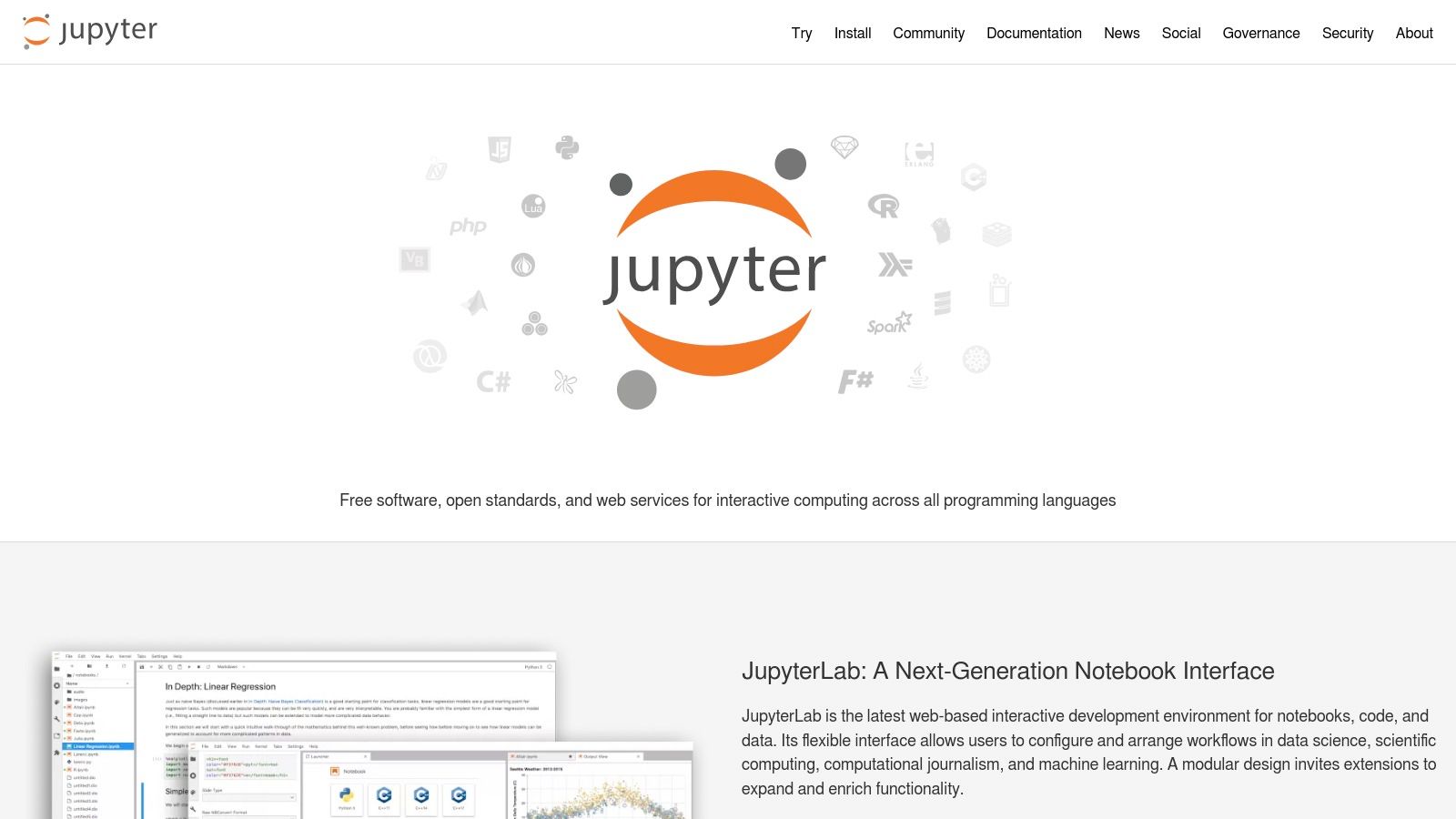
JupyterLab evolves the classic notebook experience into a more flexible web-based interface, combining notebooks, text editors, terminals, and file browsers. Its strength lies in its "cell-based" execution model, which allows developers to run small chunks of code independently, inspect outputs immediately, and document their workflow with Markdown. This interactive nature drastically accelerates data cleaning, analysis, and prototyping of machine learning models. For those optimizing data manipulation tasks, you can learn more about efficient techniques like Python dictionary comprehension that are well-suited for the notebook environment.
Key Details & Use Cases
- Best For: Data scientists, researchers, analysts, and educators who need an interactive environment for data exploration and presentation.
- Pricing: Completely free and open-source.
- Unique Offering: An interactive, cell-based notebook environment that seamlessly blends code, rich text, and multimedia output, which is unparalleled for exploratory analysis.
- The industry standard for data science, ensuring massive community support.
- Excellent for interactive computing, visualization, and literate programming.
- Highly extensible and can be deployed on a server for team collaboration via JupyterHub.
- Not designed for traditional software development (e.g., building web applications).
- Lacks advanced IDE features like integrated debugging and sophisticated refactoring tools.
- Version control for notebook files (
.ipynb) can be challenging.
8. GitHub Codespaces
GitHub Codespaces moves the entire development environment to the cloud, accessible through a browser or a connected VS Code desktop client. Its website showcases how developers can launch a fully configured, containerized environment in seconds, eliminating local setup inconsistencies. This approach is a game-changer for Python development, as it guarantees that every team member works with the exact same dependencies and tools, which is critical for maintaining compliance and reducing security risks.
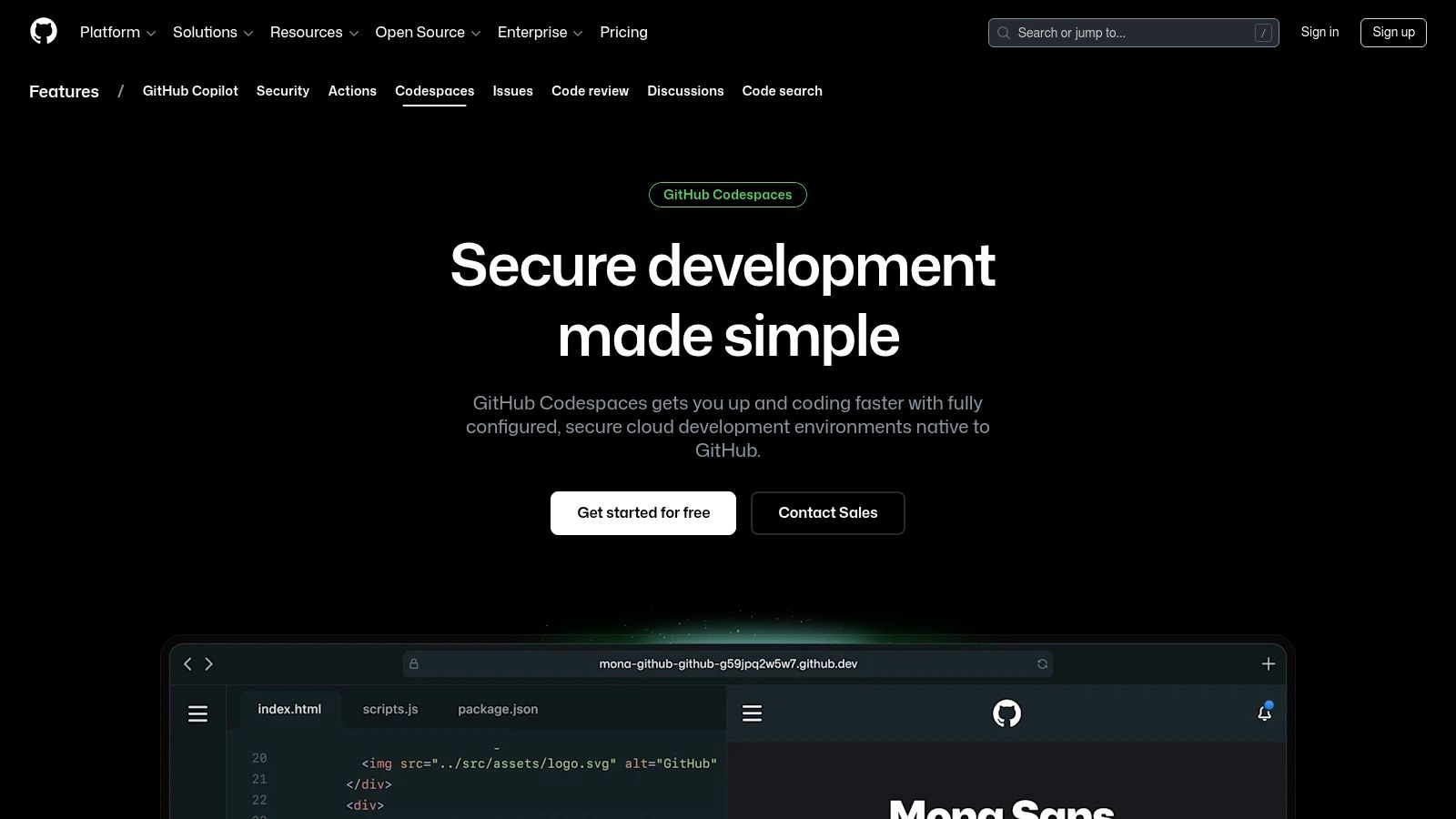
Unlike traditional local setups, Codespaces leverages devcontainer.json files to create reproducible, project-specific environments. This allows teams to pre-install Python versions, linters, and VS Code extensions, ensuring a consistent and productive coding experience from the first minute. For organizations prioritizing efficient onboarding and collaboration, this model significantly reduces friction and aligns with modern DevOps practices. Managing these workflows requires robust oversight, and teams can learn more about best practices in software project management to maximize the benefits of cloud-based IDEs.
Key Details & Use Cases
- Best For: Remote teams, open-source contributors, and enterprises needing standardized, reproducible development environments.
- Pricing: A generous free monthly quota for personal accounts; pay-as-you-go for additional usage based on compute and storage.
- Unique Offering: A fully managed, repository-defined cloud IDE that provides a consistent VS Code experience on any machine.
- Zero local configuration required, enabling instant onboarding and reducing support costs.
- Creates perfectly reproducible environments for every developer.
- Accessible from any device with a web browser.
- Dependent on a stable internet connection.
- Costs can accumulate with heavy usage beyond the free tier.
9. AWS Cloud9
AWS Cloud9 provides a cloud-based IDE that shifts development from local machines to a configurable cloud environment. Its website details how developers can access a full Linux server with a pre-configured toolset—including a code editor, debugger, and terminal—directly from a web browser. For Python development, this model is powerful as it standardizes environments, ensuring every developer has identical access to required libraries and services. This drastically reduces onboarding friction and accelerates project timelines.
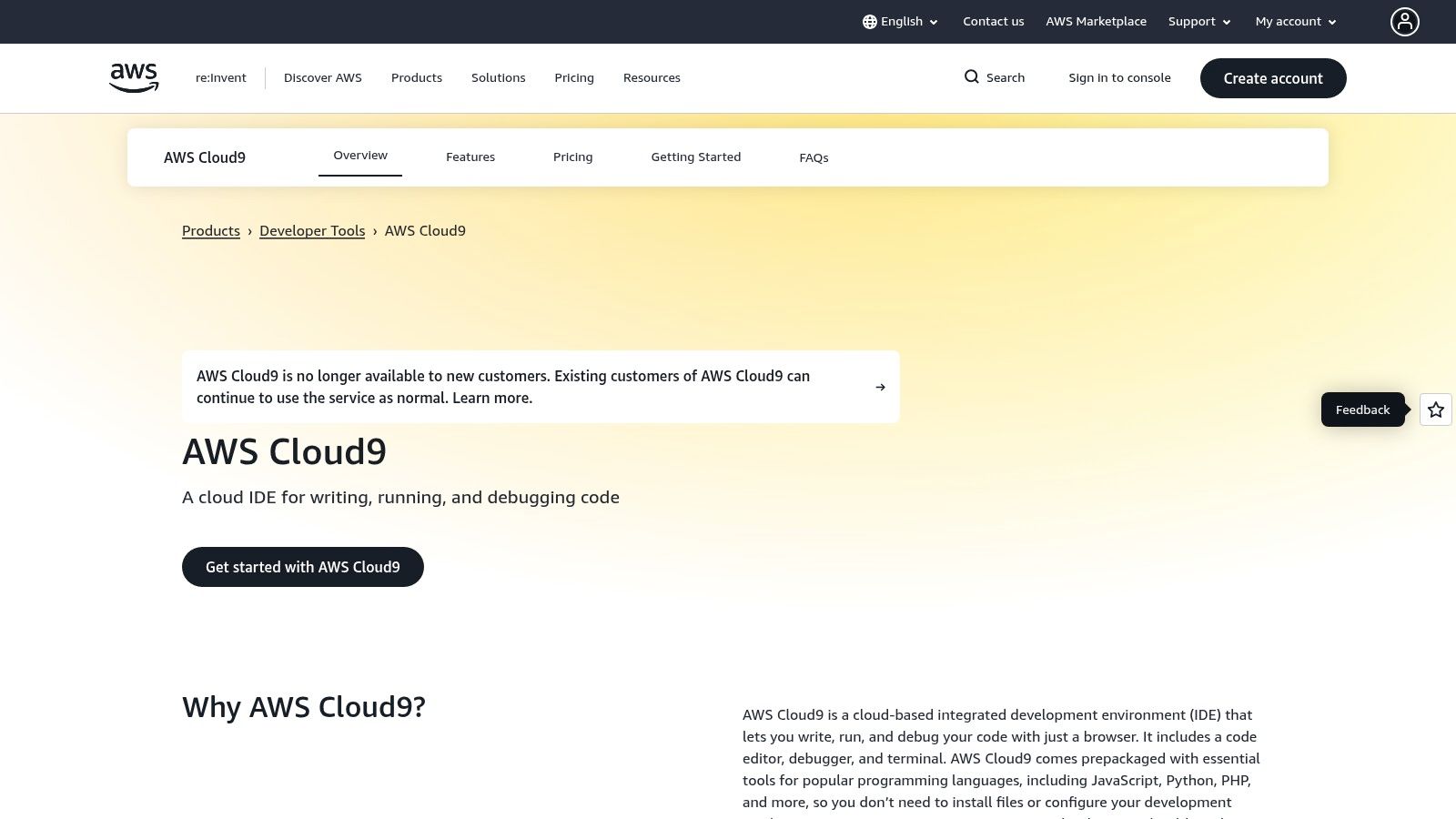
Unlike traditional IDEs, Cloud9's primary advantage is its seamless integration with the AWS ecosystem. Developers can write, run, and debug Python code that interacts with services like Lambda, S3, and DynamoDB directly from their development environment. This tight coupling simplifies building and testing serverless applications and reduces the risk associated with deploying to production. The platform also supports real-time pair programming, allowing multiple developers to work in the same environment simultaneously, which is invaluable for collaborative debugging and mentoring.
Key Details & Use Cases
- Best For: Teams building cloud-native Python applications on AWS, remote developers, and serverless development.
- Pricing: Free IDE; you only pay for the underlying AWS compute (EC2) and storage (EBS) resources used.
- Unique Offering: A browser-based IDE with deep AWS service integration and a pre-packaged Linux environment for consistent, collaborative coding.
- Eliminates local machine setup and standardizes development environments.
- Direct terminal access and seamless integration with the AWS CLI and services.
- Built-in real-time collaboration features for pair programming.
- Operating costs can accumulate based on EC2/EBS usage if not managed carefully.
- Network latency can impact the user experience compared to a local IDE.
- Heavily opinionated towards the AWS ecosystem.
10. Replit
Replit offers a zero-installation approach to Python development, positioning itself as an instant, in-browser IDE and collaborative platform. Its website is the entry point to a cloud-based environment where developers can write, run, and host code without any local machine setup. This eliminates the friction of configuring environments, making it an excellent choice for rapid prototyping, collaborative coding sessions, and educational purposes. This speed directly translates to a faster time-to-market for initial product validation.
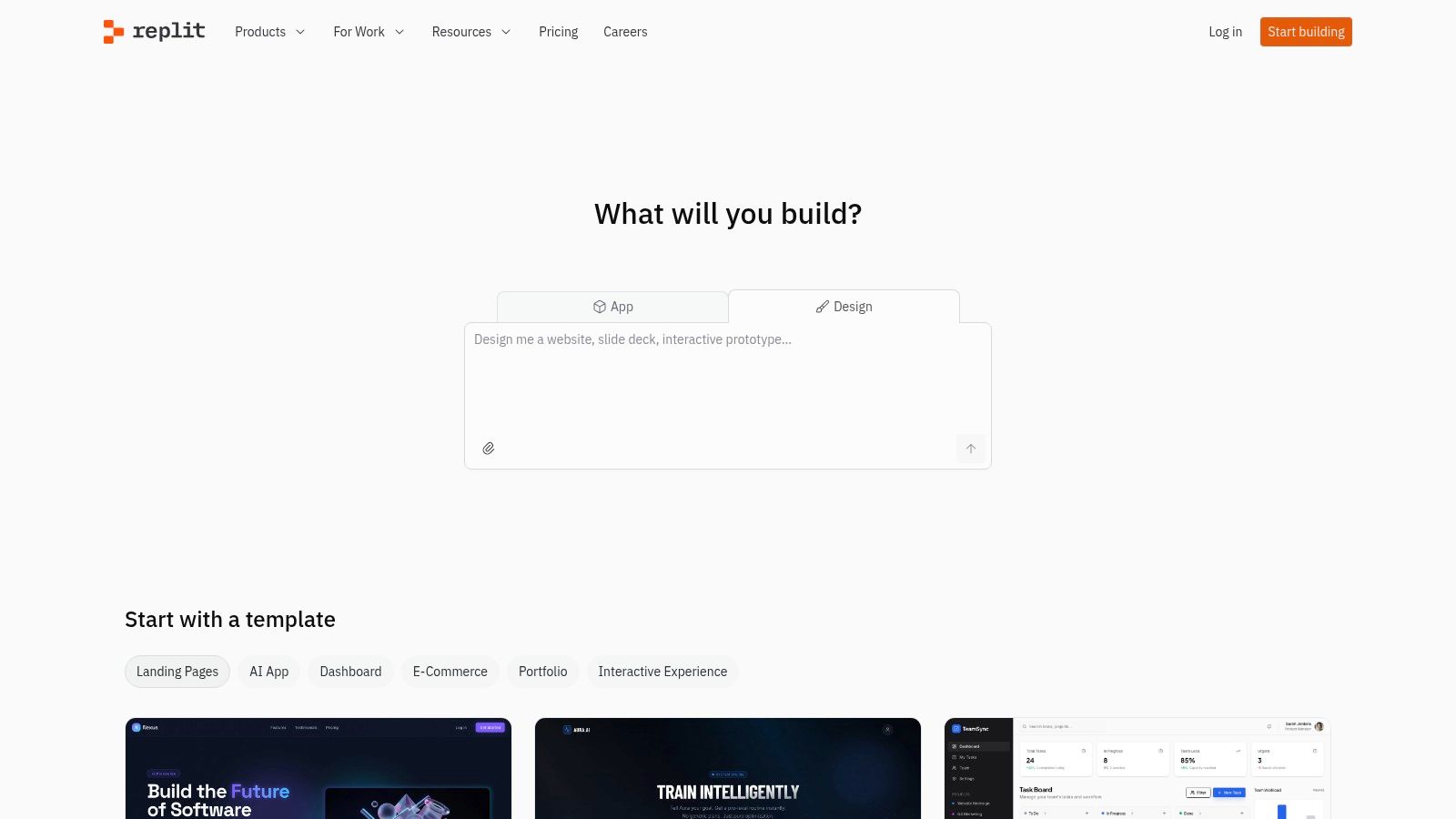
Unlike traditional IDEs that run locally, Replit integrates the entire development lifecycle from coding to deployment into a single, shareable URL. The free tier is sufficient for public projects and learning, but its collaborative and professional potential is unlocked with paid plans. These tiers introduce private projects (Repls), more powerful compute resources, and advanced AI-powered coding assistance. For teams, this means a new hire can be productive in minutes, significantly reducing onboarding time and standardizing the development environment.
Key Details & Use Cases
- Best For: Students, educators, rapid prototyping, and collaborative coding on small to medium-sized projects.
- Pricing: Free tier available; paid plans for private projects, increased resources, and advanced AI features.
- Unique Offering: A complete, collaborative, in-browser IDE with integrated hosting, removing the need for any local environment setup.
- Instant setup and unparalleled ease of collaboration.
- Built-in hosting simplifies deployment for small applications.
- Accessible from any device with an internet connection.
- Free tier has limited computational resources and public-only projects.
- Reliance on the platform can lead to vendor lock-in for larger applications.
11. Anaconda Distribution
While not an IDE itself, the Anaconda Distribution website is an essential starting point for data scientists and ML engineers. It provides a comprehensive installer that bundles Python, the conda package and environment manager, and hundreds of scientific packages like NumPy and pandas. This curated stack reduces setup friction and resolves complex dependency conflicts, which is a common pain point that can delay projects and increase operational costs.
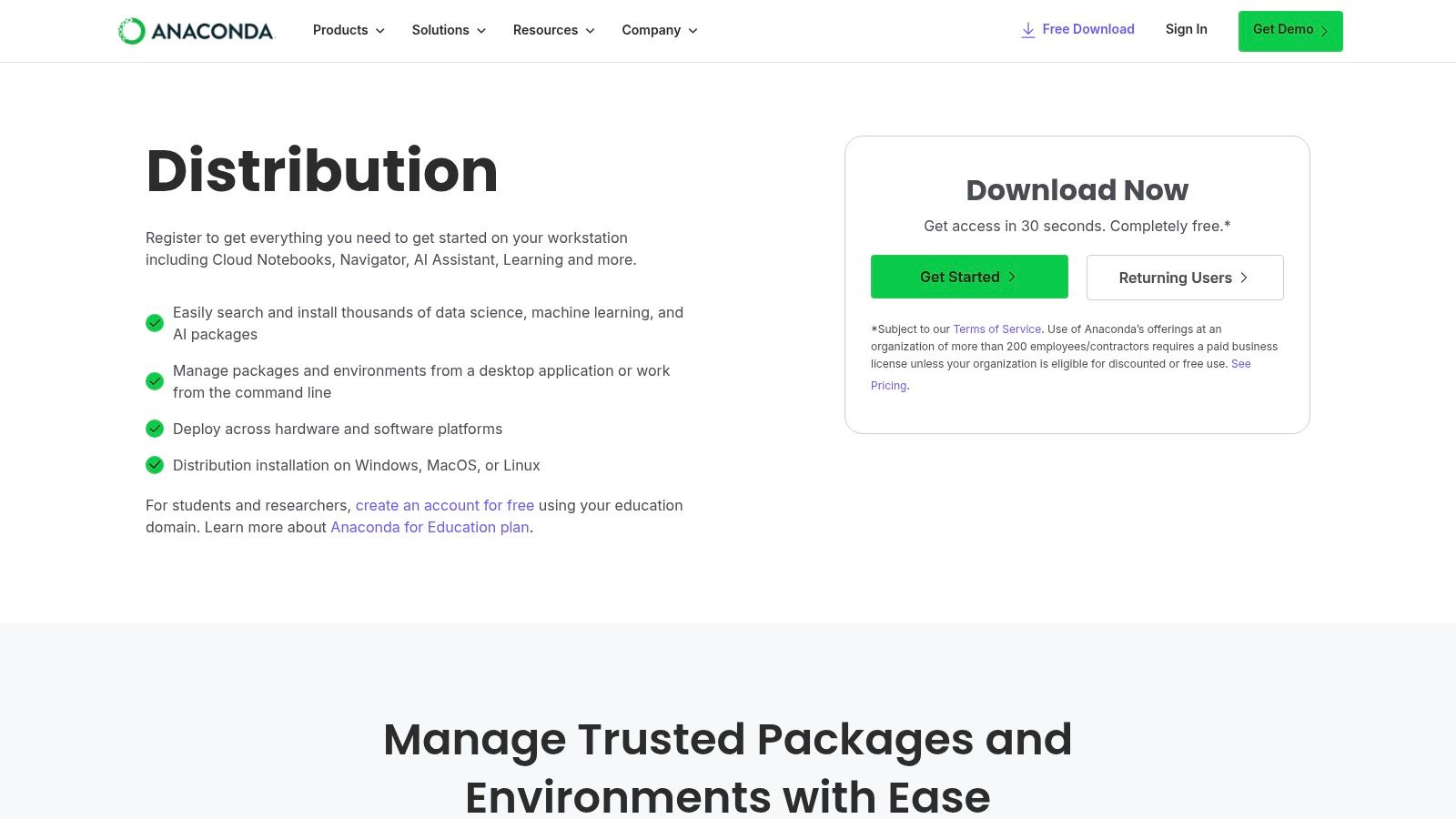
The distribution includes the Anaconda Navigator, a graphical user interface that allows users to launch IDEs like Spyder and JupyterLab without using the command line. This makes it an accessible gateway for those transitioning from other analytical tools. The website is the official source for downloads and provides clear information on its commercial licensing, which is required for larger organizations to remain compliant. For teams focused on rapid prototyping of data models, Anaconda offers the fastest path from installation to analysis.
Key Details & Use Cases
- Best For: Data scientists, researchers, and engineers who need a reliable scientific computing environment out of the box.
- Pricing: Free for individual use; paid commercial editions required for larger business use.
- Unique Offering: A one-stop installer for a fully-managed Python data science stack, including the
condapackage manager and point-and-click access to multiple IDEs. - Dramatically simplifies the setup of a complex scientific Python environment.
condaexcels at managing package dependencies, reducing conflicts.- Includes key IDEs like Spyder and JupyterLab pre-configured.
- The installer is very large due to the number of included packages.
- Commercial use by larger teams requires a paid subscription.
12. Eclipse IDE + PyDev
Eclipse, a veteran in integrated development environments, becomes a capable Python IDE through the PyDev plugin. The official PyDev website serves as the hub for installation instructions and documentation. For developers already embedded in the Eclipse ecosystem for languages like Java, adding PyDev is a cost-effective way to incorporate Python into their existing workflow without learning a new tool. This makes it an efficient choice for polyglot teams seeking a unified environment to reduce training overhead.
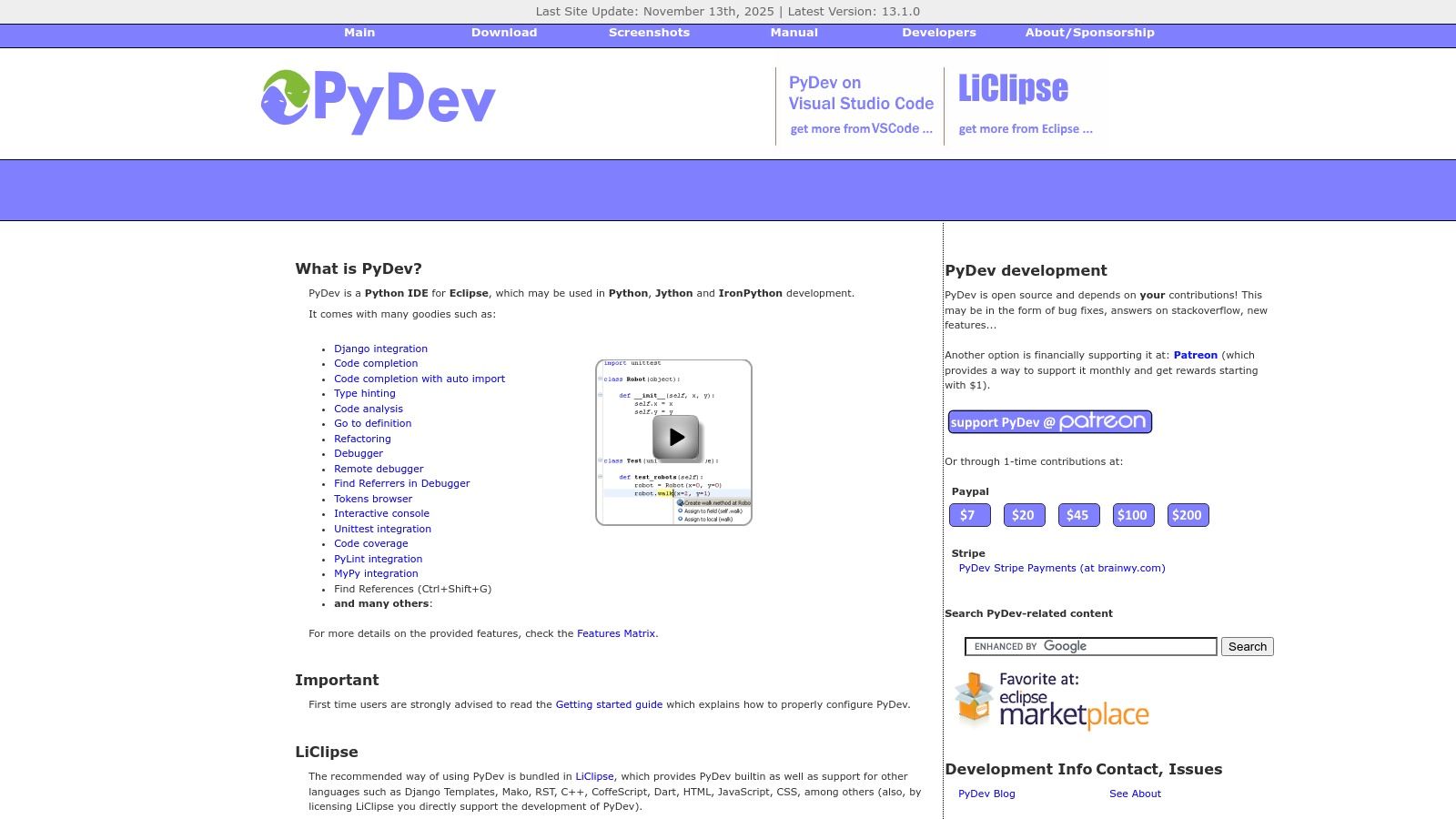
Unlike newer editors, Eclipse with PyDev leverages a mature, plugin-based architecture. This offers a high degree of customization but comes with a steeper learning curve and a more traditional UI. It provides essential features for professional development, including a powerful debugger, code completion, refactoring tools, and robust unit testing integration. It also integrates with type-checkers like MyPy and linters such as Ruff, ensuring code quality and consistency. While not as streamlined as dedicated Python IDEs, its strength lies in its extensibility for seasoned Eclipse users.
Key Details & Use Cases
- Best For: Developers and teams already proficient with the Eclipse IDE who need to add Python to their toolchain.
- Pricing: Completely free and open-source.
- Unique Offering: A full-featured Python IDE experience within the established and highly extensible Eclipse platform, ideal for multi-language projects.
- Mature and stable with powerful debugging and refactoring tools.
- Excellent for developers who work in multiple languages supported by Eclipse.
- Free, open-source, and backed by an active community.
- The setup process is more involved, requiring both Eclipse and the PyDev plugin.
- User interface can feel dated and less intuitive compared to modern alternatives.
- Can be resource-heavy, similar to other full-featured IDEs.
Top 12 Python IDEs — Feature Comparison
How to Select the Best Python IDE for Your Business
Choosing the right Python IDE is not about finding a single winner. The ideal environment is contextual, shaped by your project’s demands, your team's workflows, and your strategic goals. The decision hinges on trade-offs: the integrated ecosystem of PyCharm Professional versus the flexibility of a customized Visual Studio Code setup, or the interactive nature of JupyterLab versus the scientific rigor of Spyder.
For CTOs and product managers in demanding sectors like fintech or cloud services, this choice directly impacts time-to-market, code quality, and operational risk. The right IDE acts as a force multiplier, enabling teams to build, test, and deploy faster and with greater confidence.
A Framework for Your Decision
- Project-Centric Selection: What are you building? A data science team prototyping models has different needs than a backend team building secure APIs. Match the tool to the task: Jupyter or Spyder for data exploration, PyCharm or VS Code for robust application development.
- Standardization vs. Flexibility: Standardizing on a single IDE like PyCharm Professional can streamline onboarding, simplify environment management, and ensure consistent code quality. However, allowing flexibility with a tool like VS Code can empower senior developers. The right balance depends on your team's size and experience.
- Beyond the Code Editor: The most significant productivity gains often come from integration with the broader development lifecycle. Evaluate how each IDE supports Docker, CI/CD pipelines, and collaborative features like remote pair programming. The modern IDE is a central hub for software delivery.
- Establish Foundational Practices: A powerful IDE is most effective when built upon a solid engineering foundation. To truly accelerate development, implement practices like well-defined API development best practices, which ensure your services are scalable, secure, and maintainable.
FAQs: Choosing the Best IDE for Python
What is the best Python IDE for beginners?
For beginners, Thonny is an excellent choice. Its simple interface, bundled Python interpreter, and visual debugger are specifically designed for learning and reduce initial setup complexity.
Is VS Code or PyCharm better for Python?
Both are excellent. PyCharm is a dedicated Python IDE with a powerful, integrated toolset out of the box, making it ideal for large-scale application development. VS Code is a lightweight, extensible editor that can be customized into a powerful Python environment, offering more flexibility for developers who work with multiple languages. The choice depends on whether you prefer an all-in-one solution or a customizable one.
Can I use Jupyter Notebook as my main IDE?
Jupyter is unparalleled for data exploration, visualization, and scientific computing due to its interactive, cell-based nature. However, it is not designed for traditional software development tasks like building complex applications or managing large codebases. For those use cases, a full-featured IDE like PyCharm or VS Code is more appropriate.
What is the advantage of a cloud-based IDE like GitHub Codespaces?
Cloud-based IDEs eliminate local setup issues and ensure every team member works in an identical, reproducible environment. This significantly reduces onboarding time, simplifies dependency management, and is ideal for remote and distributed teams, directly impacting operational efficiency and project consistency.
Do I need to pay for a Python IDE?
Not necessarily. Powerful free and open-source options like VS Code, Spyder, and the Community Edition of PyCharm are sufficient for many professional use cases. Paid IDEs, like PyCharm Professional, typically offer advanced features for web development, database management, and remote workflows that can provide significant productivity gains for enterprise teams, justifying the cost.
Standardizing on the right Python IDE is a critical step, but it cannot solve a resource bottleneck on a mission-critical project. If your project faces delays due to a lack of specialized Python expertise, augmenting your team is the most direct path to accelerating your time-to-market.
Book a discovery call with our solutions experts today to learn how our senior, EU-based Python developers can help you bridge skill gaps and move your project from backlog to production faster.
< MORE RESOURCES / >

Fintech
A Guide to Epic Store Szeged and the Local Tech Scene

Fintech
A Guide to Designing a Nordic Light Office for Technical Teams

Fintech
A Tech Employer's Guide to Hungary's Social Security System

Fintech
How to Choose an IT Company That Drives Business Outcomes

Fintech
A Consultant's Guide to Part-Time Jobs in Budapest

Fintech
A Consultant's Guide to Peppol Integration for E-Invoicing

Fintech
A Tech Leader's Guide to Nearshore Development

Fintech
PSD2 Integration for CTOs: Real-World Challenges and Architecture Insights

Team augmentation
Hiring vs. Outsourcing: Finding the Right Balance with Team Augmentation

Fintech